
AssignmentGPT Blogs

Best AI Code Solver Tools for Students in 2026

Get an AI summary of this post on:





The situation becomes challenging because students face difficulties with their coding assignments at midnight, while they have no understanding of how to begin their work. The good news? In 2026, you do not have to figure it out by yourself anymore. An effective AI code solver provides users with complete solution paths through their coding difficulties, which enables users to discover their errors while gaining knowledge from the process.
The guide presents students with the top AI code generator and code solver tools, which they can use from beginner level to advanced data structure challenges. I will demonstrate proper tool usage, which enables you to maximize benefits while maintaining academic integrity.
What Is an AI Code Solver and How Does It Help Students?
Before jumping into the tools, it helps to understand what these tools actually do and why they are genuinely useful for students, not just a shortcut.
An AI code solver is a tool that reads your code (or your problem description), understands the logic, and either generates a solution or explains exactly what needs to be fixed. Think of it like a patient tutor that never gets tired of your questions.
How AI Code Generators Work
The tool requires users to provide a problem through two methods, which include describing the task as "write a Python function to sort a list" or submitting their non-functioning code. The tool processes your input using a large language model that has been trained on millions of lines of real code. The system provides you with functional code together with an explanation of its operation within seconds.
The best part? Most of these tools do not just dump the answer. The system shows users how their code operates because it provides them with an explanation of the program's functioning. A good coding solver needs more than just search engine capabilities to succeed.
Here is what the process usually looks like:
- You describe the problem or paste your existing code
- The tool identifies what you need a fix, a new function, or a full solution
- It generates clean, commented code
- You get a breakdown of the logic so you understand what was done
It is fast, practical, and when used correctly actually helps you learn.
Benefits for Students
The actual situation shows that all students lack access to coding tutors. The 11 PM office hours service costs money, which makes it unavailable to all users. The AI tools for students create an equal opportunity for all users.
Some real benefits I have seen students gain:
- Instant feedback: no waiting days for a professor to reply
- Step-by-step explanations: you learn the logic, not just the answer
- Time savings: spend less time debugging syntax errors, more time understanding concepts
- Language flexibility: most tools handle Python, Java, C++, JavaScript, and more
- Confidence building: Students who use these tools often feel less intimidated by coding overall
When used properly, an AI code generator online tool is undoubtedly one of the most indispensable academic tools a student could own in the year 2026.
Top 10 Best AI Code Solver Tools for Students in 2026
More than 40 artificial intelligence code generation tools exist at present. The tools provide different functions because some tools target professional developers, while others contain unnecessary features that students do not require. I selected ten tools from all available options because they directly benefit school and college students of 2026.
1. AssignmentGPT AI - Code Solver Best Overall for Students
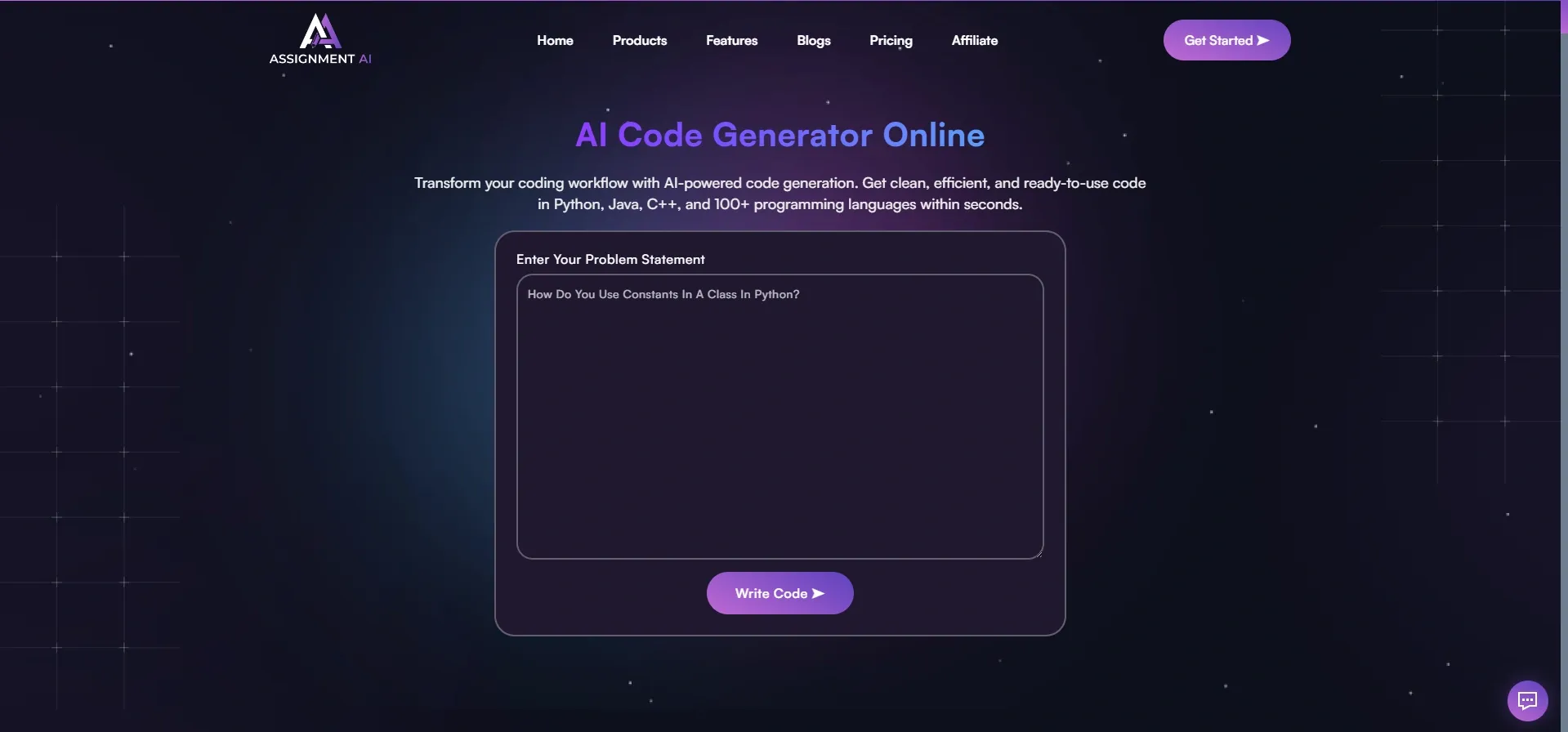
If I had to recommend one AI code solver to every student reading this, it would be AssignmentGPT. The system functions as a specialized academic code generator because its design supports students' academic needs.
The user can describe their issue by using simple English, or they can provide nonworking code or their assignment image for AssignmentGPT to produce a complete solution with detailed process explanations.
Key Features:
- Full code generation from a plain-text description of your problem
- Code debugging paste broken code, and it identifies and fixes the issue instantly
- Step-by-step explanations alongside every solution so you actually learn
- Supports Python, Java, C++, JavaScript, HTML/CSS, SQL, and more
- Image-to-code feature upload a screenshot of your coding problem and get a solution
- Free plan available one of the best free AI code generator options for students
- Part of a full student platform (essays, math, diagrams, assignments all in one place)
The learning focus of the software system creates its unique identity. Users of code solver tools receive complete functional code solutions that they can use for their programming tasks. AssignmentGPT explains the code function that students require for their upcoming exam.
2. GitHub Copilot - Best for Students Who Code Inside an IDE
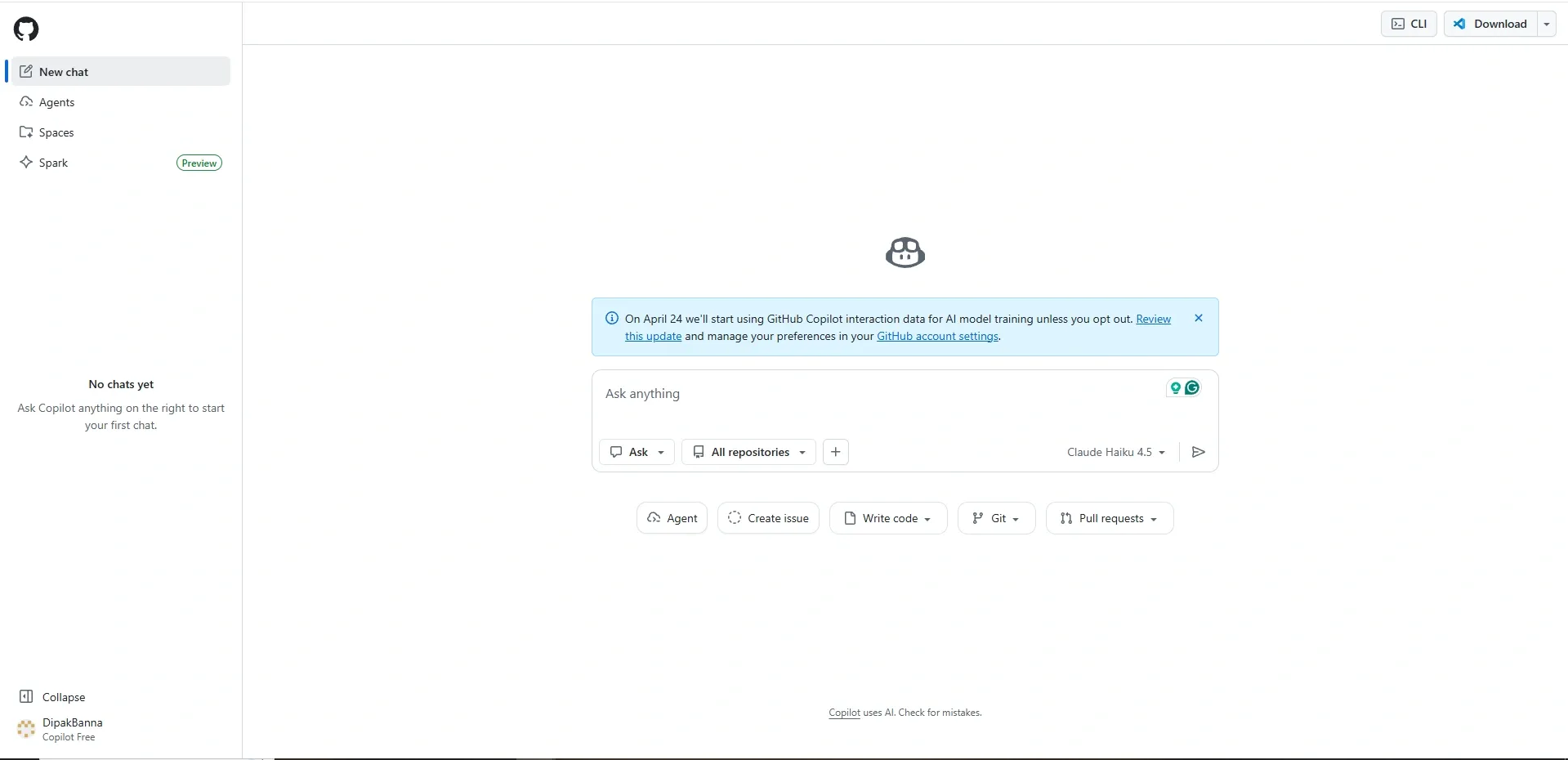
GitHub Copilot serves as a popular AI code generator tool, which students can access at no cost through the GitHub Student Developer Pack. If you want to learn more about how it works, this detailed guide on what is GitHub Copilot is worth reading. Copilot functions simultaneously with your current coding activities in VS Code, JetBrains, and all major IDEs.
It proposes complete lines and functions, and code blocks to you based on the context of your writing. The system operates like an autocomplete feature that understands your complete code.
Key Features:
- Real-time code suggestions directly inside your IDE as you type
- Supports 20+ programming languages, including Python, JavaScript, TypeScript, Go, and Rust
- Function and class completion describe what you want in a comment, and it writes the code
- Explains code snippets when you ask it to in natural language
- Free for students with a verified GitHub Student Developer Pack account
- Works across VS Code, JetBrains, Neovim, and more
Best for students who are already comfortable with coding and want a tool that speeds up their workflow without switching tabs.
3. Blackbox AI - Best Free Tool for Quick Code Generation
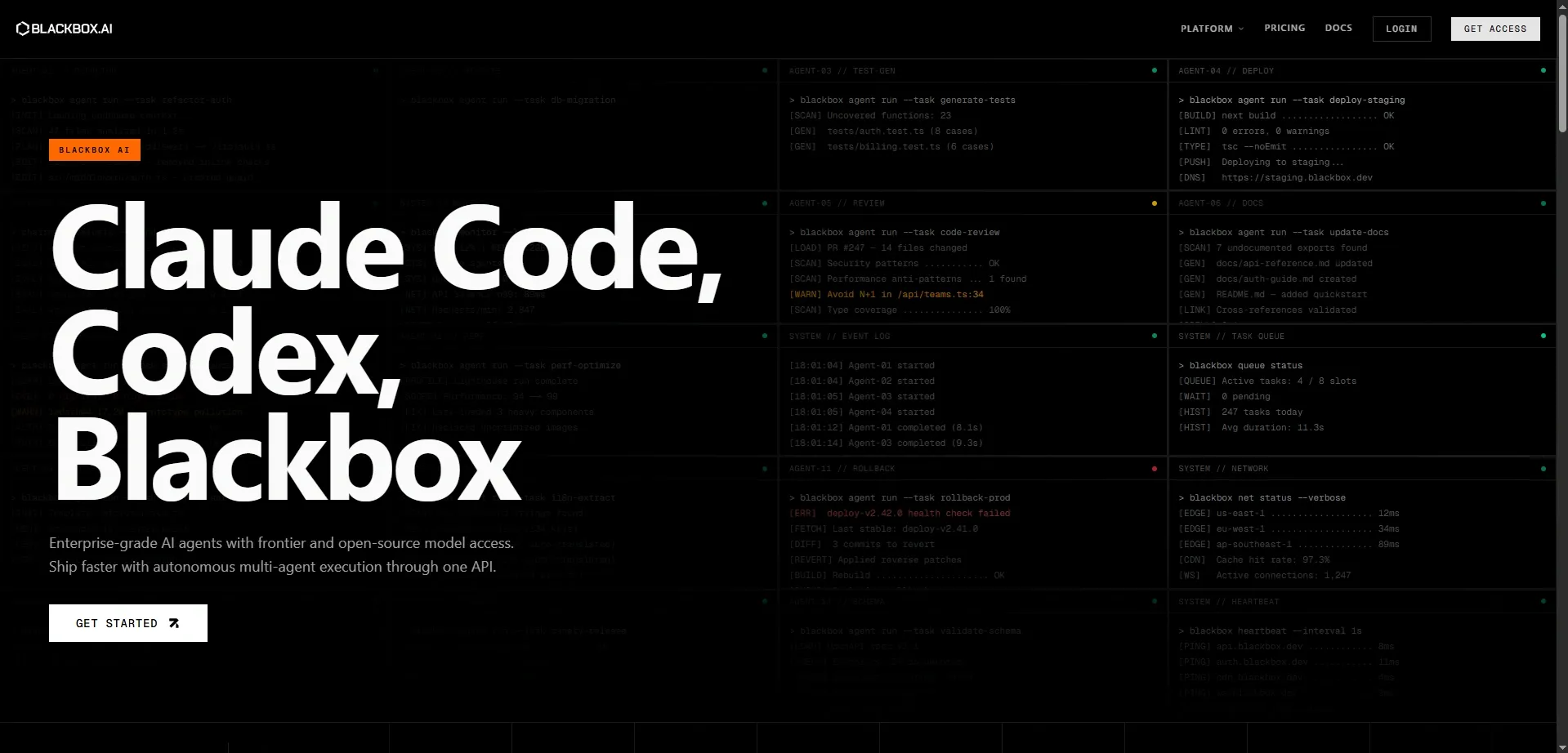
Blackbox AI stands out as the quickest available free AI code generator tool that currently exists. Its browser-based operation eliminates the need for complex installation procedures while delivering instant access to its main features. This solution serves as an excellent selection for students who require immediate online code resolution without any obstacles.
The system generates code at high speed when you provide your desired description. The system enables users to select code from websites, which they can then use to request explanations or code modifications.
Key Features:
- Instant code generation from natural language descriptions
- Code explanation paste any code and get a plain-English breakdown
- A browser extension that lets you highlight code anywhere on the web and query it
- Supports Python, JavaScript, Java, C++, PHP, Ruby, and more
- Chat-based interface so you can refine and iterate on solutions conversationally
- Completely free to use for core features no sign-up wall for basic access
4. Codeium - Best Free IDE Plugin for Students

Codeium provides students who program code through an editor with the most extensive free AI code generation tool available. The platform provides a completely free plan that supports more than 70 programming languages and connects to all main integrated development environments.
I have found that Codeium proves most beneficial to computer science students who need to learn multiple programming languages throughout their various college courses. Students looking to get the most out of such tools should also explore how AI tools are boosting student curiosity and productivity.
Key Features:
- Free forever plan with no usage caps for individual users
- Autocomplete, function generation, and in-editor chat support
- Supports 70+ languages Python, Java, C++, Swift, Kotlin, Rust, TypeScript, and more
- Works inside VS Code, JetBrains, Vim, Emacs, and over 40 other editors
- Natural language to code describe what you want, and it writes it
- Low-latency suggestions that do not slow down your editor
Codeium is a great alternative for those who want the GitHub Copilot experience without having to verify that they are students.
5. Tabnine - Best AI Code Generator for Privacy-Conscious Students
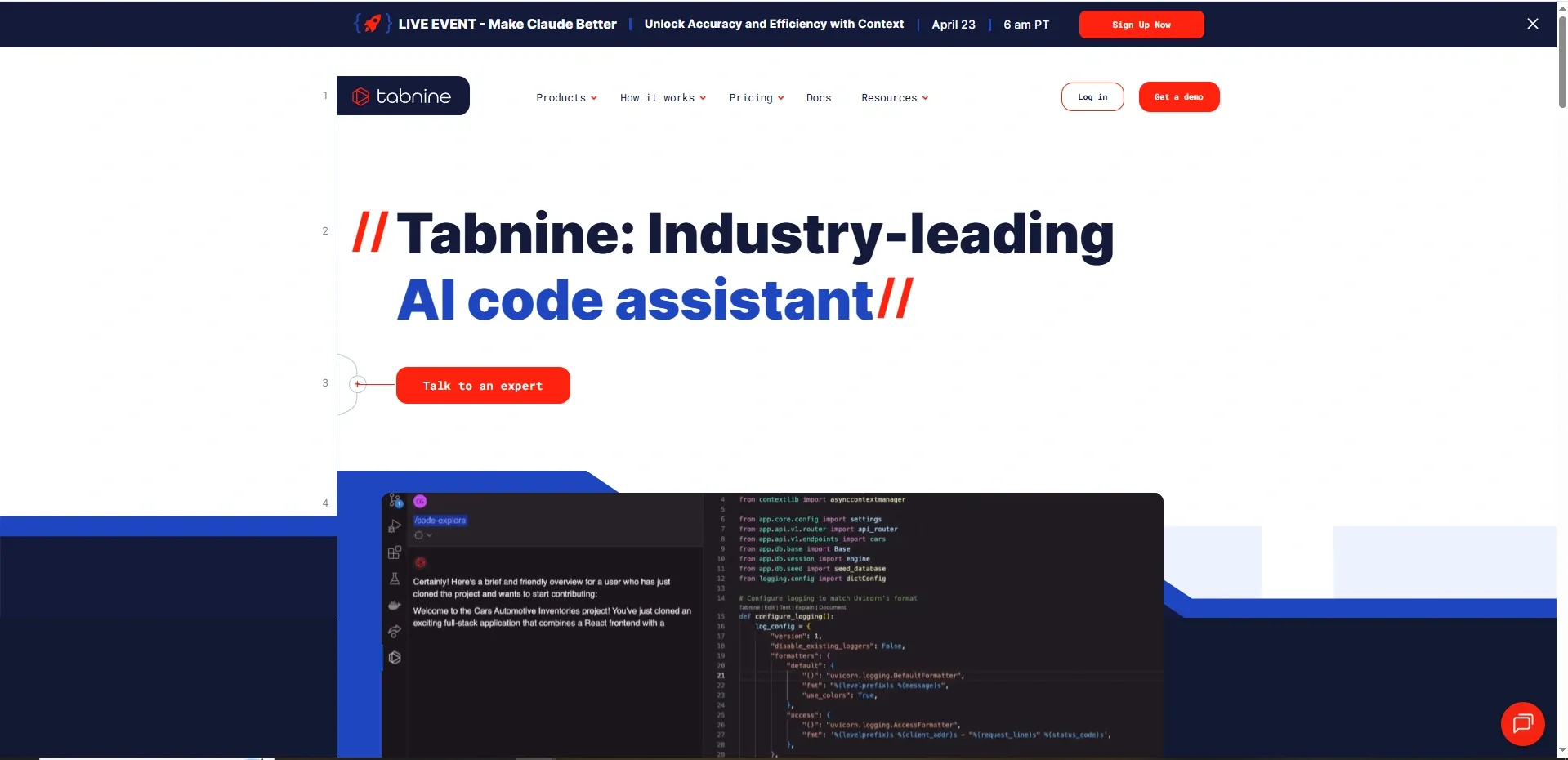
Tabnine has existed as an established AI code generator since it was first introduced to the public, making it the oldest tool within this group of tools. The product distinguishes itself through its privacy features because it does not use your code for training its models, which proves important for students working on proprietary projects and for those who need to protect their data.
The software operates as an IDE plugin that provides users with quick and precise code completions for multiple programming languages.
Key Features:
- Privacy-first approach your code is never used to train the AI
- Supports over 80 programming languages
- Whole-line and full-function completion with context-aware suggestions
- Works inside VS Code, IntelliJ, WebStorm, PyCharm, and most major editors
- Team and personal learning modes adapts to your individual coding style over time
- Free starter plan available for individual use
A solid pick for students who want reliable code solver AI assistance without worrying about where their code ends up.
6. Pieces for Developers - Best for Organizing and Reusing Code Snippets
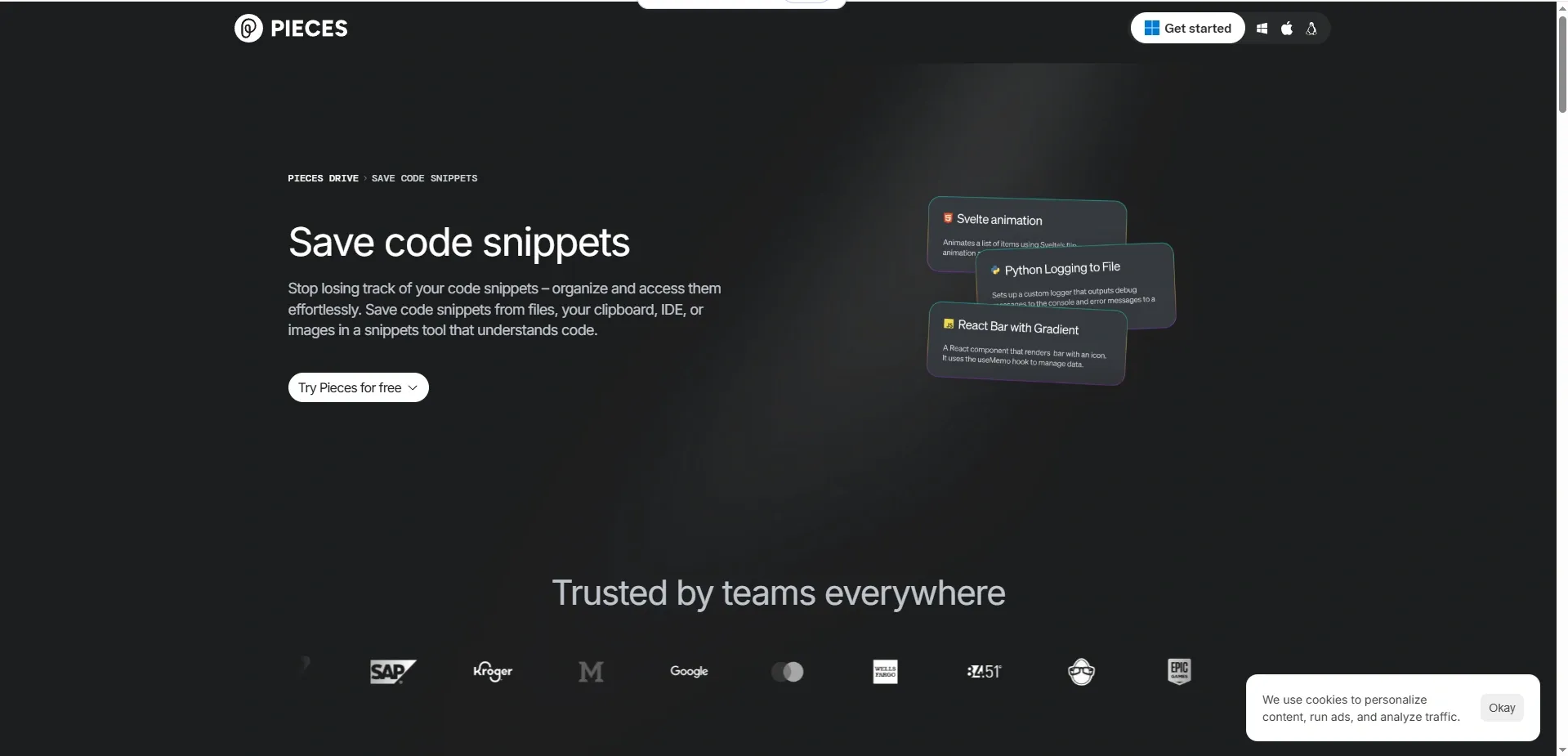
The tool which students have never encountered before exists as a solution to solve an actual existing problem. Pieces is an AI code solver that provides a personal code library that allows users to save their code snippets while the system organizes and enhances their stored code.
The system solves your problem, which occurs when you write a useful function but lose track of it and then spend 30 minutes trying to locate it again.
Key Features:
- Smart snippet saving save any piece of code with one click, automatically tagged and searchable
- AI-powered code explanation for every saved snippet
- Suggests related snippets from your own library when you are working on similar problems
- Works with your browser, IDE, and clipboard simultaneously
- Offline-capable works without an internet connection once set up
- Free plan available with core features fully accessible
Best for students who are building up a coding portfolio or working on long-term projects where reusing previous work saves serious time.
7. Phind - Best AI Code Solver for Research-Heavy Coding Problems
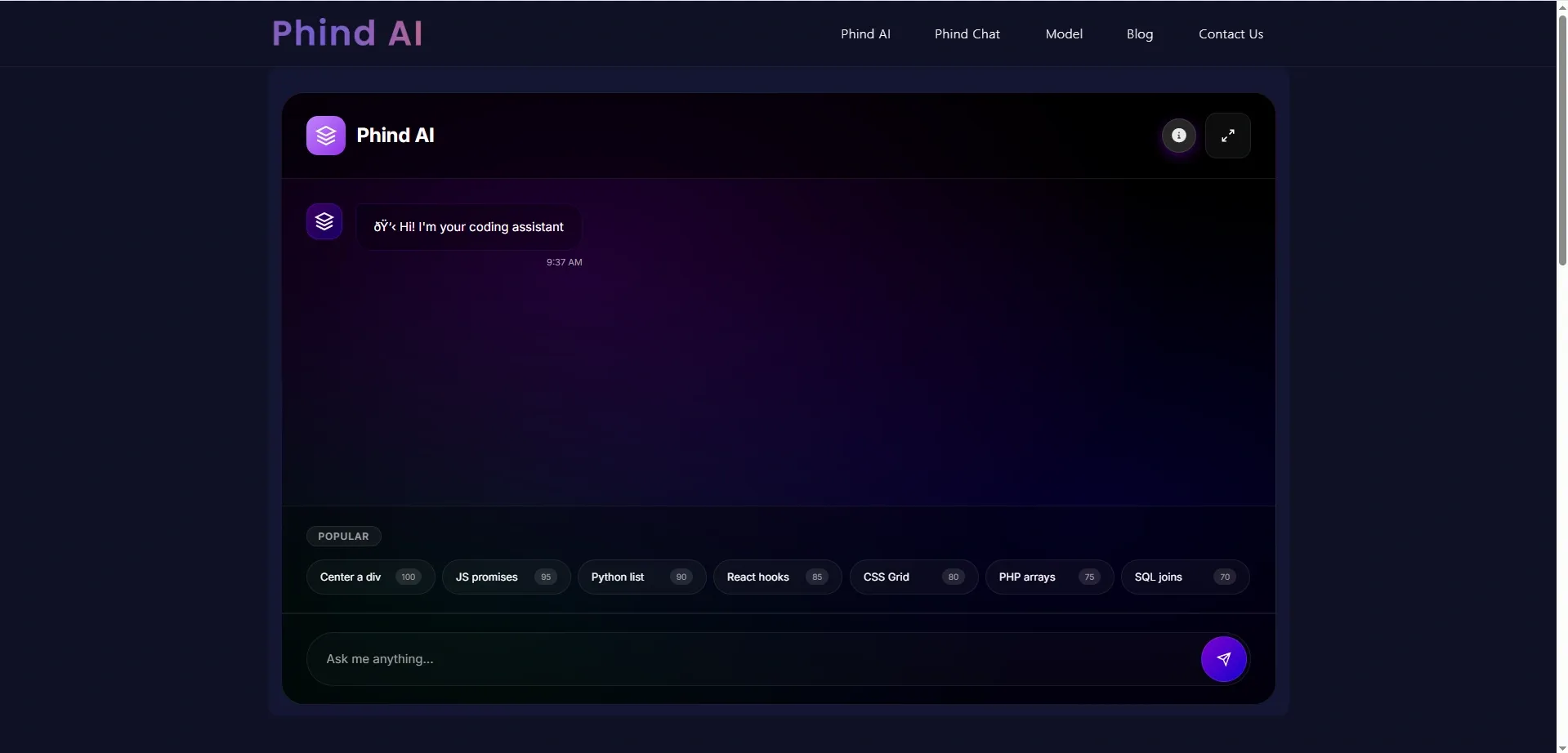
Phind is a search engine built specifically for developers and students who need to solve code problems that require research, not just generation. Phind functions as an online code solver, which differs from standard solutions by searching the internet to find relevant documentation, Stack Overflow answers, and official guides before it creates a complete solution for users.
The system proves beneficial for tasks that demand the use of unfamiliar external libraries, APIs, and frameworks. Students who frequently tackle research-intensive assignments can also benefit from exploring the best AI tool for academic research to complement their coding workflow.
Key Features:
- Web-grounded code generation pulls from real documentation and developer forums
- Explains not just the code but also the reasoning behind the approach it chose
- Supports Python, JavaScript, TypeScript, React, Node.js, and more
- Pair programming mode have a back-and-forth conversation to refine solutions
- No account required to start using it
- Free tier is genuinely useful with no harsh limitations
A great coding problem solver AI pick for students doing research projects, API integrations, or framework-heavy assignments.
8. Sourcegraph Cody - Best for Students Working on Large Codebases
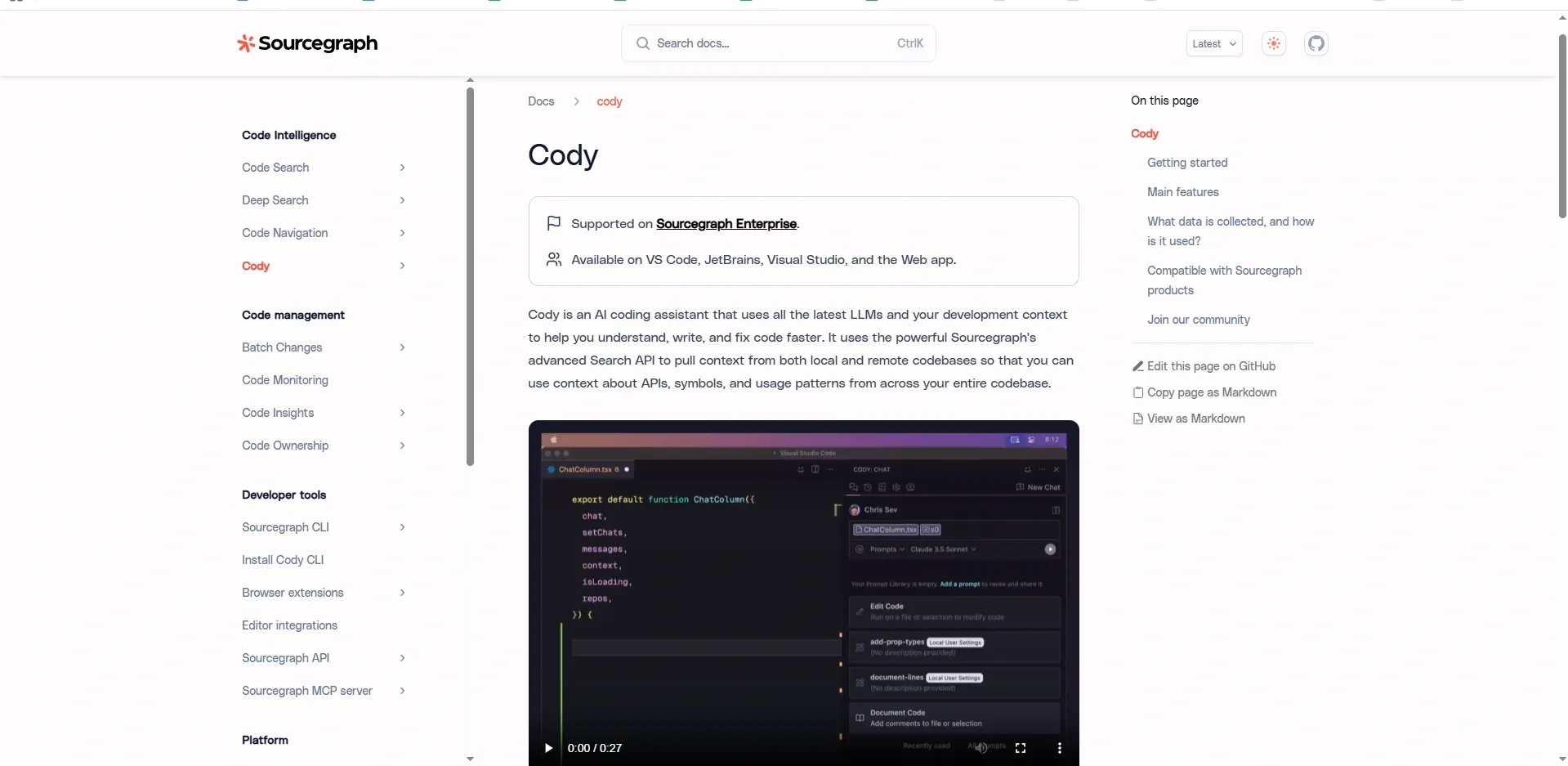
Most AI code generator tools work well when you are writing small, self-contained functions. Cody from Sourcegraph is different it is built to understand large codebases and give you context-aware help across an entire project, not just a single file.
Cody exists as a valuable resource for students who undertake their final-year projects, group assignments, or any work that involves multiple files and modules.
Key Features:
- Codebase-aware suggestions reads the context of your entire project, not just the current file
- Explains complex code across multiple files in plain language
- Supports code generation, refactoring, and documentation writing
- Works inside VS Code and JetBrains
- Handles Python, Go, JavaScript, TypeScript, Java, C++, and more
- Free plan available for individual use
If you have ever approached one of those code-solving tools in vain and found out that the answer obtained did not follow the already set structure of the code, Cody solves this problem.
9. Wolfram Alpha - Best for Math-Heavy and Algorithm-Based Coding Problems
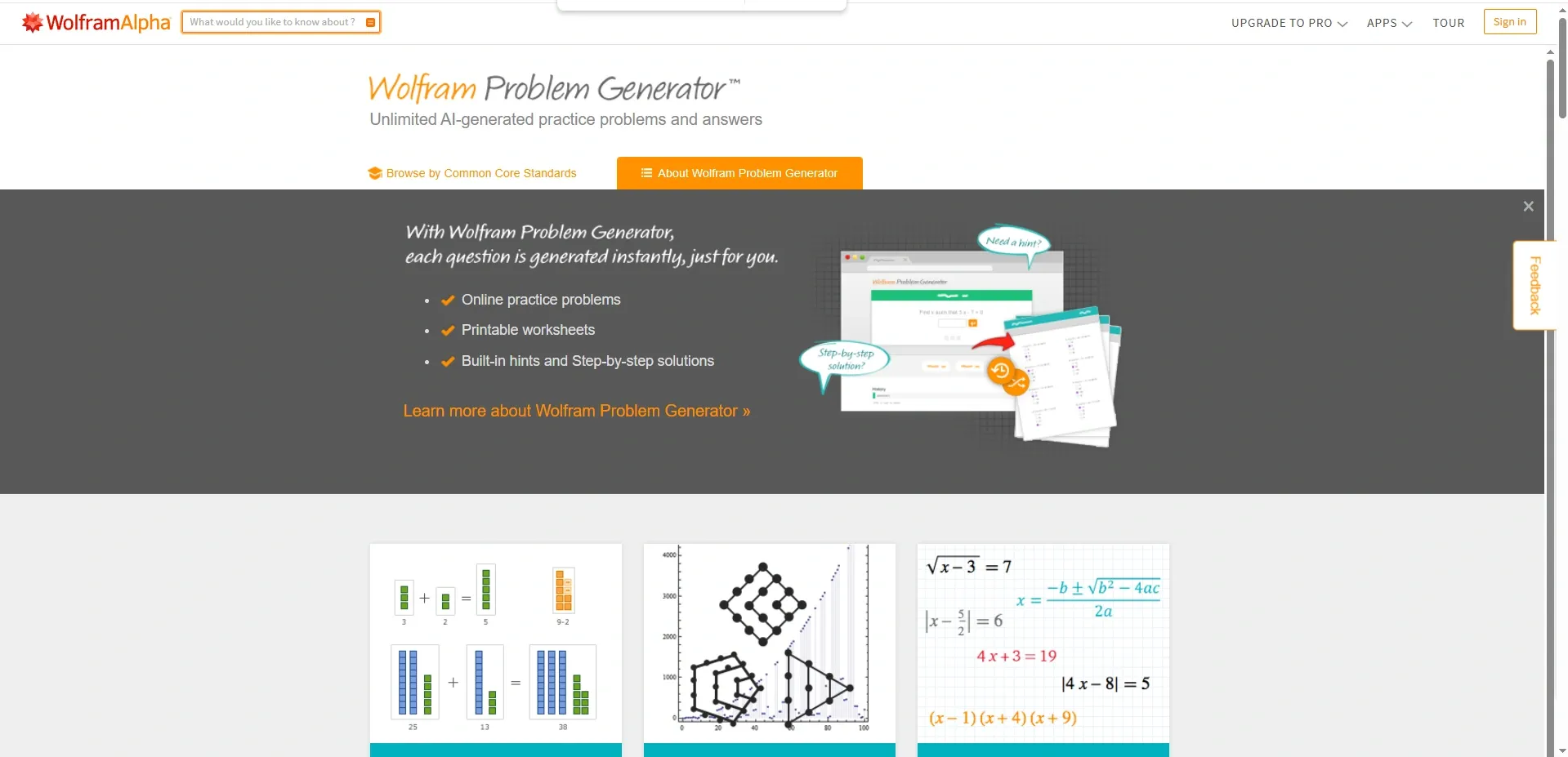
Wolfram Alpha functions as a computational knowledge engine, which students majoring in mathematics, data science, statistics, and algorithm studies find to be the most precise tool available. You can read a full Wolfram Alpha review to understand exactly what makes it stand out for academic use.
Wolfram Alpha provides exact answers, which it presents through step-by-step calculations, whereas other tools produce code that contains potential logical errors. The accuracy of the mathematical solution becomes essential for algorithm-based assignments, which need to demonstrate mathematically verified results.
Key Features:
- Exact computation for mathematical and algorithmic problems not estimates
- Step-by-step breakdowns of calculations, formulas, and derivations
- Covers calculus, linear algebra, statistics, number theory, graph theory, and more
- Natural language input describe your problem in plain English and get a computed answer
- Code output available for many problem types in Mathematica syntax
- Free tier with generous access; Wolfram Alpha Pro unlocks full step-by-step detail
Using Wolfram for math logic verification connects best with other code solver AI tools through AssignmentGPT and GitHub Copilot, which deliver implementation support for your chosen programming language.
Quick Summary Table
| Tool | Best For | Free Plan |
|---|---|---|
| AssignmentGPT | Best overall academic assignments | Yes |
| GitHub Copilot | IDE-based coding workflow | Yes (students) |
| Blackbox AI | Fast, no-setup code generation | Yes |
| Codeium | Free IDE plugin, 70+ languages | Yes |
| Replit Ghostwriter | Beginners, browser-based coding | Yes |
| Tabnine | Privacy-focused IDE completions | Yes |
| Pieces | Saving and reusing code snippets | Yes |
| Phind | Research-heavy coding problems | Yes |
| Sourcegraph Cody | Large multi-file projects | Yes |
| Wolfram Alpha | Math and algorithm problems | Yes |
Every tool on this list has a free option that is genuinely usable you do not need to spend anything to get started. Your current student situation should determine your selection choice instead of your desired future academic standing.
How to Use an AI Code Generator for Your Assignments Step by Step
The actual how-to section of this guide exists in this section, which all other guides will overlook. I will demonstrate the complete process of using a coding problem solver AI tool to solve an actual assignment.
Step 1: Read your assignment carefully first. Understand what the problem is asking before you type anything. The clearer your input, the better the output.
Step 2: Go to your chosen tool. For most students, I recommend starting at AI Code Generator. No complex setup needed.
Step 3: Describe the problem in plain language. Type something like: "Write a Python function that takes a list of numbers and returns only the even ones." The more specific you are, the better the result.
Step 4: Review the generated code carefully. Do not just copy it. Read through it line by line. Ask yourself: "Do I understand why this works?"
Step 5: Use the explanation. Good AI code solver tools give you a breakdown of the logic. Read it. This is the learning part.
Step 6: Test it yourself. Run the code. See if it works. If something breaks, paste the error message back into the tool and ask it to solve the issue.
Step 7: Modify and make it yours. Change variable names, adjust the logic, and add comments. Make the code reflect your understanding not just the tool's output.
That last step matters more than most students realize. It protects your academic integrity and actually cements the learning.
Free vs Paid AI Code Solvers Which Should Students Choose?
The constant need for this information prompts me to deliver my final response. The free plan of services exists as the starting point for most students. The free plans of AssignmentGPT, Codeium, and Blackbox AI provide complete coverage of academic coding problems that students face at school and college. The free tiers of the service enable users to complete their assignments, which include basic algorithms, data structures, web development tasks, and database queries.
When does paid make sense?
- You are doing complex projects with long codebases
- You need an IDE integration with unlimited suggestions
- You are in a CS program doing advanced coursework regularly
- You want priority access and faster response times
Here is a quick breakdown:
| Feature | Free Tier | Paid Tier |
|---|---|---|
| Basic code generation | Yes | Yes |
| Explanation and debugging | Limited | Full |
| IDE plugin integration | Sometimes | Usually full |
| Usage limits | Yes | Unlimited or high |
| Priority support | No | Yes |
The truthful assessment states that users should begin with free services, which they should upgrade only after they reach their usage limitations. Most students I have worked with do just fine on free plans for their entire degree. The paid plans are really designed for developers working full-time and not for students who need to complete their weekly assignments.
Tips for Using AI Code Solvers Without Violating Academic Integrity
The upcoming section contains vital information that I will present to you in a direct manner. The responsible use of a code solver AI tool differs completely from submitting work that the AI tool completed for you as your own original work. The majority of universities now maintain specific guidelines for AI usage, and many universities implement these guidelines through strict AI regulations. For a broader perspective on this topic, see this guide on whether using AI is cheating and tips for ethical use.
- Use AI as a tutor, not a ghostwriter. Request an explanation of the concept, a demonstration of a function, or the solution of an error not an entire solution document generated for you.
- You must understand everything you submit. Professors require students to demonstrate their coding knowledge through verbal explanations. The situation becomes problematic when you use free AI code generation to create content that you cannot explain to others.
- Begin by verifying your institution's regulations. Certain courses permit students to use AI for their academic work. Some courses do not. Check the syllabus. When in doubt, ask your professor. The professors prefer you to ask them questions instead of getting caught during later stages.
- Use the program to verify your work, but not as a replacement for your own efforts. The first step requires you to create your own solution. The next step involves using the AI code generator to examine different coding methods and identify the parts where your reasoning failed. The process leads to effective knowledge acquisition.
The bottom line: these tools are most valuable when you use them to learn faster, not to skip learning entirely.
Conclusion
In 2026, having a reliable AI code solver in your corner is just practical. The tools provide instant support for your needs when you work on debugging a function at 2 AM or when you study a concept that your professor presented quickly. The best ones like AssignmentGPT's code solver do not just hand you answers. They walk you through the logic so you actually get it.
Start with the free options. Use them to learn, not to skip learning. You need to comprehend everything you plan to submit. Understanding the broader rise of AI in coding can also help you appreciate why these tools are becoming essential for every student. An AI code generator functions as the most advanced academic resource for students in 2026 when students use it correctly.
1. What is an AI code solver and how does it work?

2. Which is the best free AI code generator for students in 2026?
3. Can I use an AI code generator for my college assignments?
4. Is there a free AI code solver I can use without signing up?
5. How is an AI code generator different from just Googling the answer?
6. What coding languages do AI code solvers support?
7. Can an AI code solver fix broken code automatically?
8. Will my professor know if I used an AI code generator?
9. What is the best AI code solver for beginners?
10. Is GitHub Copilot good for students as a code solver?
11. Can I upload a screenshot of my coding problem and get a solution?
12. What is the difference between a code generator and a code solver?
13. Are AI code solvers accurate enough to trust for assignments?
14. Which AI code solver is best for math-heavy coding problems?
15. How do I use a coding problem solver AI without violating academic integrity?
Digital Marketer | SEO
I’m Dipak Dangodara, the SEO Expert at AssignmentGPT AI. I manage and optimize the website’s search engine presence with a strong focus on organic growth, visibility, and performance. My work includes technical SEO, keyword research, on-page and off-page optimization, and tracking SEO performance to align with search engine best practices.
At AssignmentGPT AI, my goal is to build sustainable rankings, improve traffic quality, and ensure the platform delivers long-term value through effective SEO strategies.
Master AI with
AssignmentGPT!
Get exclusive access to insider AI stories, tips and tricks. Sign up to the newsletter and be in the know!

Transform Your Studies with the Power of AssignmentGPT
Empower your academic pursuits with tools to enhance your learning speed and optimize your productivity, enabling you to excel in your studies with greater ease.
Start Your Free Trial ➤Related Articles
Free vs Paid AI Homework Tools for Students in 2026
Compare free and paid AI homework tools in 2026 to find the best option for saving time, money, and improving study support.

10 AI Tools Every College Student Should Use in 2026
Discover 10 powerful AI tools every college student should use in 2026 to study smarter, save time, boost productivity, improve learning, & achieve better grades.
AssignmentGPT AI Citation Generator: Format Citations Fast
Create accurate APA, MLA, Chicago, and Harvard citations instantly with AssignmentGPT AI's free AI citation generator.
Is Turnitin's AI Detector Disabled in 2026? Full Guide
Turnitin's AI detector isn't gone, but Waterloo, Curtin, Yale and others have disabled it. Here's why, and what it means.

AI Homework Helpers: How They Are Changing Study Habits
AI homework helpers explain concepts step by step, helping students learn faster, study smarter, and build lasting confidence.
Best Flowchart Software Tools for Students and Developers
Compare the best flowchart tools for students, developers & engineers to create clear diagrams fast.
Start your success story with Assignment GPT! 🌟 Let's soar! 🚀
Step into the future of writing with our AI-powered platform. Start your free trial today and revolutionize your productivity, saving over 20 hours weekly.
Try For FREE ➤