
AssignmentGPT Blogs

MOSS Plagiarism Checker vs AI Code Detector: Key Differences

Get an AI summary of this post on:

When you search Google for "MOSS AI detector," there is one question you are probably asking yourself: Is MOSS the same as an AI code detector, or is it entirely different from one?
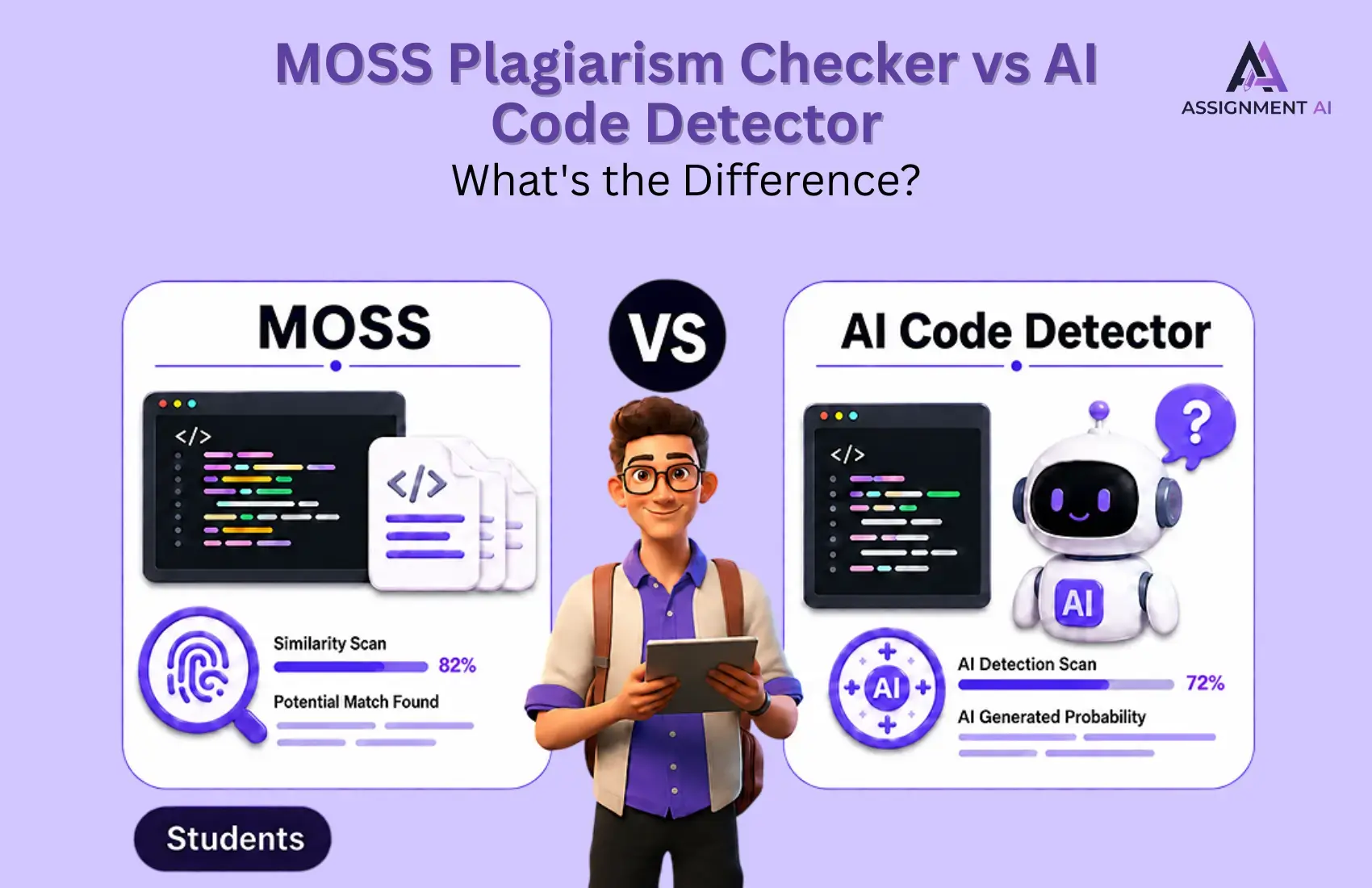
The answer is simple: they are completely different tools, and confusing them can lead to the wrong conclusion. MOSS is mainly used to detect code similarity and plagiarism between submissions, while an AI code detector is designed to identify whether code may have been generated or assisted by tools like ChatGPT, GitHub Copilot, or other AI coding platforms.
That is exactly why this article breaks down the difference between MOSS and AI code detectors, how each tool works, and when you should use one over the other. And if you are looking for smarter ways to review programming assignments, analyze code, or build AI-powered academic workflows, AssignmentGPT AI can help students and institutions simplify the process with intelligent AI tools built for learning, coding, and productivity.
What Is MOSS? (And Why It's Not an "AI Detector")
The term MOSS means Measure of Software Similarity. The tool was developed by Stanford University and has been used by educational institutions and faculties for many years in detecting code plagiarism, particularly when a student plagiarizes someone else's code.
Here's what MOSS actually does:
- Compares two or more code files for structural similarity
- Identifies matching patterns, variable names, and logic flow
- Produces a similarity score between submissions
- Supports languages like C, C++, Java, Python, and more
MOSS is a code similarity checker, not an AI content detector. It cannot tell you whether the code was written by a human or generated by an AI like ChatGPT or GitHub Copilot.
Key takeaway: MOSS was built for a pre-AI world. It answers "Did Student A copy from Student B?" not "Did an AI write this?"
What Is an AI Code Detector?
A code detector that uses AI, often referred to as an AI detector in online searches, is a totally new type of software.
Such software aims at addressing a modern issue, which is: Has the code been created by an AI tool such as ChatGPT, Copilot, or Gemini?
AI code detectors typically use:
- Machine learning models trained on human-written vs. AI-generated code
- Pattern recognition to spot telltale signs of AI output (predictable structure, generic naming conventions, lack of personal coding style)
- Probability scoring to estimate the likelihood of AI authorship
Popular AI code detectors include tools like Copyleaks, GPTZero (with code support), and proprietary academic integrity platforms. You can explore a detailed Copyleaks AI detector review to understand how these tools evaluate code authorship in real-world scenarios.
MOSS vs AI Code Detector: Side-by-Side Comparison
| Feature | MOSS (Plagiarism Checker) | AI Code Detector |
|---|---|---|
| Primary Purpose | Detect student-to-student copying | Detect AI-generated code |
| Technology | Fingerprint-based similarity matching | ML-based authorship analysis |
| What It Compares | Two or more code files | Code vs. AI-generated patterns |
| Accuracy on AI Content | Very low, not designed for it | Moderate to high (improving rapidly) |
| Best For | Educators checking for plagiarism | Instructors, developers, HR teams |
| Free to Use? | Yes (via Stanford's submission portal) | Varies (many are paid SaaS tools) |
| Supports AI Models | No | Yes (GPT-4, Copilot, Gemini, etc.) |
| Output Format | Similarity percentage + matched lines | AI probability score + flagged sections |
Why People Search "MOSS AI Detector"
MOSS has long been regarded as one of the most trusted tools for maintaining code integrity in academic environments. For years, instructors used it to compare programming submissions and identify possible code plagiarism between students.
But when AI-generated code became a major concern for teachers in 2023 and 2024, many instructors and students started searching for "MOSS AI detector." They were looking for an updated version of MOSS that could detect code written by tools like ChatGPT, GitHub Copilot, or other AI coding assistants.
MOSS was not designed to identify AI-generated code. It works by comparing submissions against each other and finding similarity patterns. So, if a teacher uploads an AI-generated script and no student has submitted a similar version before, MOSS may return a zero plagiarism score because the code is technically unique.
This is exactly why AI detection tools are now becoming important. Understanding how AI content detection works gives educators and students a much clearer picture of why these tools are needed beyond traditional plagiarism checking.
When Should You Use MOSS?
MOSS is still highly effective in its original use case. Use it when:
- You are an educator running a programming course and want to catch student-to-student copying
- You are checking whether a student reused their own old submission (self-plagiarism)
- You want to compare submissions across a class to identify suspiciously similar code
- You are working with a large batch of code files and need a free, scalable solution
MOSS works best when you have multiple submissions to compare. It is not useful as a standalone analysis tool for a single piece of code.
When Should You Use an AI Code Detector?
You should use an AI code detector when you need to understand whether a piece of code was likely written by a human, generated by AI, or heavily assisted by tools like ChatGPT, GitHub Copilot, or other coding assistants.
For educators, an AI code detector becomes useful when a student submits code that looks unusually polished, perfectly structured, or far beyond their current skill level. It can help flag suspicious programming assignments for further review, especially when combined with Viva questions, commit history, and manual code explanation. Educators looking to maintain fairness can also explore the best AI checker tools for teachers to find options that fit their workflow.
Hiring managers can also use AI code detection while reviewing take-home coding tasks. If a candidate submits clean, optimized code but struggles to explain the logic during an interview, detection tools can provide an extra layer of evaluation. The goal is not to reject candidates automatically, but to check whether the submitted work reflects their real ability.
AI code detectors are also valuable during academic integrity audits, coding bootcamp assessments, and online course evaluations. They help instructors maintain fairness when multiple students submit projects, exams, or lab work.
In software teams, AI code detection can help track how much of a codebase is AI-assisted versus human-written. This is especially useful in regulated industries where teams need better visibility into code origin, quality control, compliance, and security risks.
The Limitations of Both Tools: What Nobody Tells You
Let's be honest: neither MOSS nor AI code detectors are perfect. Both tools can help identify suspicious code, but they should never be treated as final proof on their own.
MOSS has clear limitations. It does not detect AI-generated code directly. It only compares code similarity between multiple submissions, which means it becomes almost useless when checking a single file. It can also be bypassed with basic changes like renaming variables, restructuring loops, changing function order, or modifying formatting. Most importantly, MOSS does not understand logic, intent, or whether a student actually wrote the code. It mainly checks surface-level similarity.
AI code detectors have their own problems, too. They can produce false positives, meaning clean and well-structured human-written code may sometimes get flagged as AI-generated. They also struggle with short code snippets, especially when the code is under 50 lines. Reviewing the best AI content detection tools can help you find more reliable options that reduce these false positive rates.
The Business Case: Why AI Code Detection Matters Beyond Academia
AI code detection is no longer just an academic integrity issue. It is becoming a serious concern for SaaS companies, startups, and engineering teams as AI-generated code enters production codebases at scale.
The risk is not that developers use AI. The real risk is shipping AI-assisted code without proper review, testing, or visibility. AI-generated code can sometimes skip edge cases, miss security checks, or produce solutions that look correct but fail under real-world conditions.
License compliance is another growing challenge. Since AI coding tools are trained on large volumes of public code, companies need to be careful about where generated patterns may come from and whether they introduce legal or copyright-related risks. The rise of AI in coding has made these concerns more pressing for development teams across every industry.
How to Use MOSS (Quick Setup Guide)
For educators who have never used MOSS before, the setup process is simple but a little technical. MOSS is a command-line tool, so you will need basic terminal access to run it.
First, visit the official MOSS website and request a user ID through email. Once your request is approved, you will receive access to the MOSS Perl script. Download the script and save it on your system.
After that, open your terminal and run the script with the student code files you want to compare. MOSS will upload the selected files to Stanford's server and generate a results URL. This URL shows similarity matches, highlighted code sections, and percentage scores between submissions.
Here is the basic process:
- Go to the official MOSS website and request a user ID
- Download the MOSS Perl script after registration
- Run the script from your terminal
- Add student code files as input
- Open the result URL generated by MOSS
- Review highlighted matches and similarity scores
MOSS is free, lightweight, and surprisingly powerful for detecting code similarity between student submissions. However, it is important to remember that MOSS is not an AI code detector. It can show whether two code files are similar, but it cannot confirm whether a file was generated by ChatGPT, Copilot, or any other AI coding tool.
Choosing the Right Tool: A Simple Decision Framework
Choosing between MOSS and an AI code detector depends on the problem you are trying to solve. Both tools answer different questions, so using the wrong one can lead to incomplete or misleading results.
If your main concern is, "Did one student copy from another?" then MOSS is the right tool. It compares code submissions against each other and highlights similarity patterns between files.
If your question is, "Was this code written by an AI?" then you need an AI code detector. MOSS cannot detect AI-generated code because it was designed for code similarity, not AI authorship analysis.
If you suspect that a student copied AI-generated code from the internet, the best option is to use both tools together. MOSS may catch copied code if the source exists in your comparison pool, while an AI detector may flag patterns commonly found in AI-generated code. For a broader look at available solutions, check out this guide to the best AI detection and detector tools that can complement MOSS in academic settings.
The Future: AI-Powered Code Integrity Tools
The tools available today, such as MOSS, GPTZero, and Copyleaks, are only the early versions of what code integrity platforms will become.
The next generation of code integrity tools will not rely on one signal alone. Instead, they will combine plagiarism detection, AI code detection, behavioral analysis, and workflow automation into one complete system.
For example, future platforms may compare student submissions for similarity, check whether the code looks AI-generated, review version history, analyze keystroke patterns, and flag unusual submission behavior. These signals can give educators and organizations a much clearer view of code authenticity.
We will also see deeper integrations with LMS platforms like Canvas, Moodle, and Google Classroom. Instead of manually uploading files into separate tools, institutions will be able to scan submissions directly inside their existing learning platforms. This shift reflects the broader role of AI in education and how academic tools are evolving to meet new integrity challenges.
Conclusion
The phrase "MOSS AI detector" reflects a real gap in awareness. Many students, educators, and technical teams assume that MOSS can detect AI-generated code, but that is not what it was built for.
MOSS is useful for identifying similarity between code submissions. It can help academic institutions find cases where one student may have copied from another. However, it cannot confirm whether a piece of code was written by ChatGPT, GitHub Copilot, or any other AI coding assistant.
That is why institutions need a layered approach. Use MOSS for peer plagiarism detection, then add an AI code detector layer to review possible AI-generated submissions. For stronger accuracy, combine both with manual review, student explanations, commit history, and live code walkthroughs. Educators who want to go deeper can also explore why AI content detection matters for education to build a more complete and reliable academic integrity strategy.
FAQs
1. What is MOSS and what does it actually check?

2. Can MOSS detect AI-generated code like ChatGPT or Copilot?
3. What is an AI code detector and how is it different from MOSS?
4. Which tool should a teacher use to catch AI-written assignments?
5. Is MOSS free to use for educators?
6. What are the biggest limitations of using MOSS for code checking?
7. What is an AI code solver and how does it relate to AI detection?
8. Can AI code detectors give false results on human-written code?
9. Should institutions use both MOSS and an AI code detector together?
10. Why is AI code detection becoming important for software companies too?
Digital Marketer | SEO
I’m Dipak Dangodara, the SEO Expert at AssignmentGPT AI. I manage and optimize the website’s search engine presence with a strong focus on organic growth, visibility, and performance. My work includes technical SEO, keyword research, on-page and off-page optimization, and tracking SEO performance to align with search engine best practices.
At AssignmentGPT AI, my goal is to build sustainable rankings, improve traffic quality, and ensure the platform delivers long-term value through effective SEO strategies.
Master AI with
AssignmentGPT!
Get exclusive access to insider AI stories, tips and tricks. Sign up to the newsletter and be in the know!
Transform Your Studies with the Power of AssignmentGPT
Empower your academic pursuits with tools to enhance your learning speed and optimize your productivity, enabling you to excel in your studies with greater ease.
Start Your Free Trial ➤Related Articles
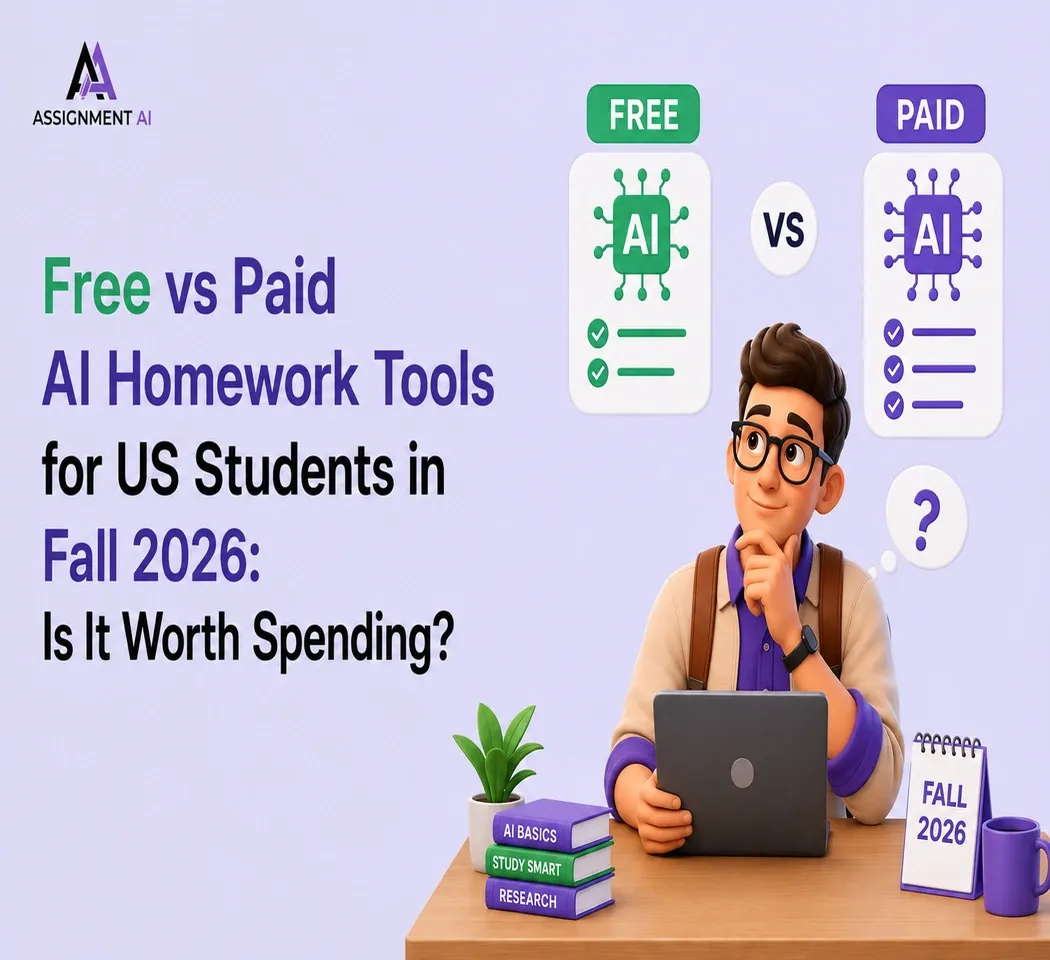
Free vs Paid AI Homework Tools for Students in 2026
Compare free and paid AI homework tools in 2026 to find the best option for saving time, money, and improving study support.

10 AI Tools Every College Student Should Use in 2026
Discover 10 powerful AI tools every college student should use in 2026 to study smarter, save time, boost productivity, improve learning, & achieve better grades.
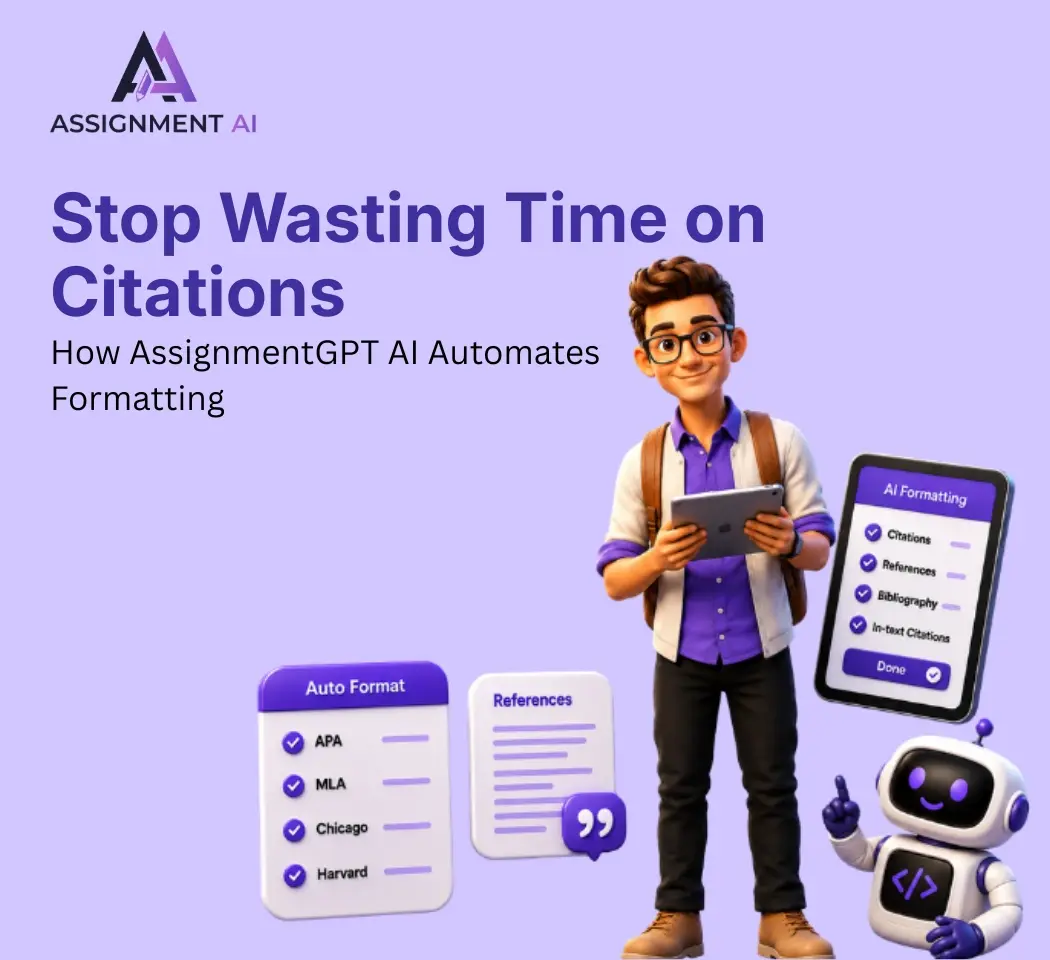
AssignmentGPT AI Citation Generator: Format Citations Fast
Create accurate APA, MLA, Chicago, and Harvard citations instantly with AssignmentGPT AI's free AI citation generator.
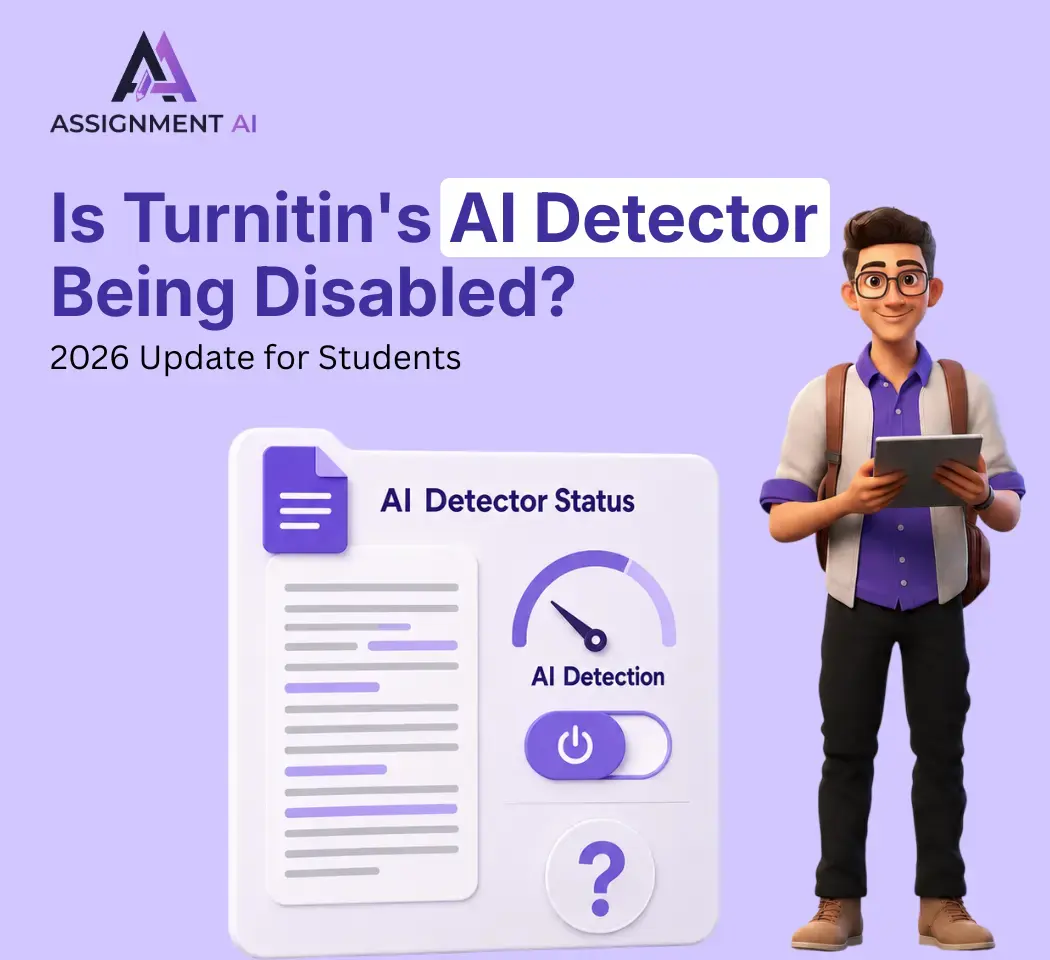
Is Turnitin's AI Detector Disabled in 2026? Full Guide
Turnitin's AI detector isn't gone, but Waterloo, Curtin, Yale and others have disabled it. Here's why, and what it means.
AI Homework Helpers: How They Are Changing Study Habits
AI homework helpers explain concepts step by step, helping students learn faster, study smarter, and build lasting confidence.
Best Flowchart Software Tools for Students and Developers
Compare the best flowchart tools for students, developers & engineers to create clear diagrams fast.
Start your success story with Assignment GPT! 🌟 Let's soar! 🚀
Step into the future of writing with our AI-powered platform. Start your free trial today and revolutionize your productivity, saving over 20 hours weekly.
Try For FREE ➤