
AssignmentGPT Blogs

Best AI Diagram Tools for Engineers and Claude Code (2026)

Get an AI summary of this post on:





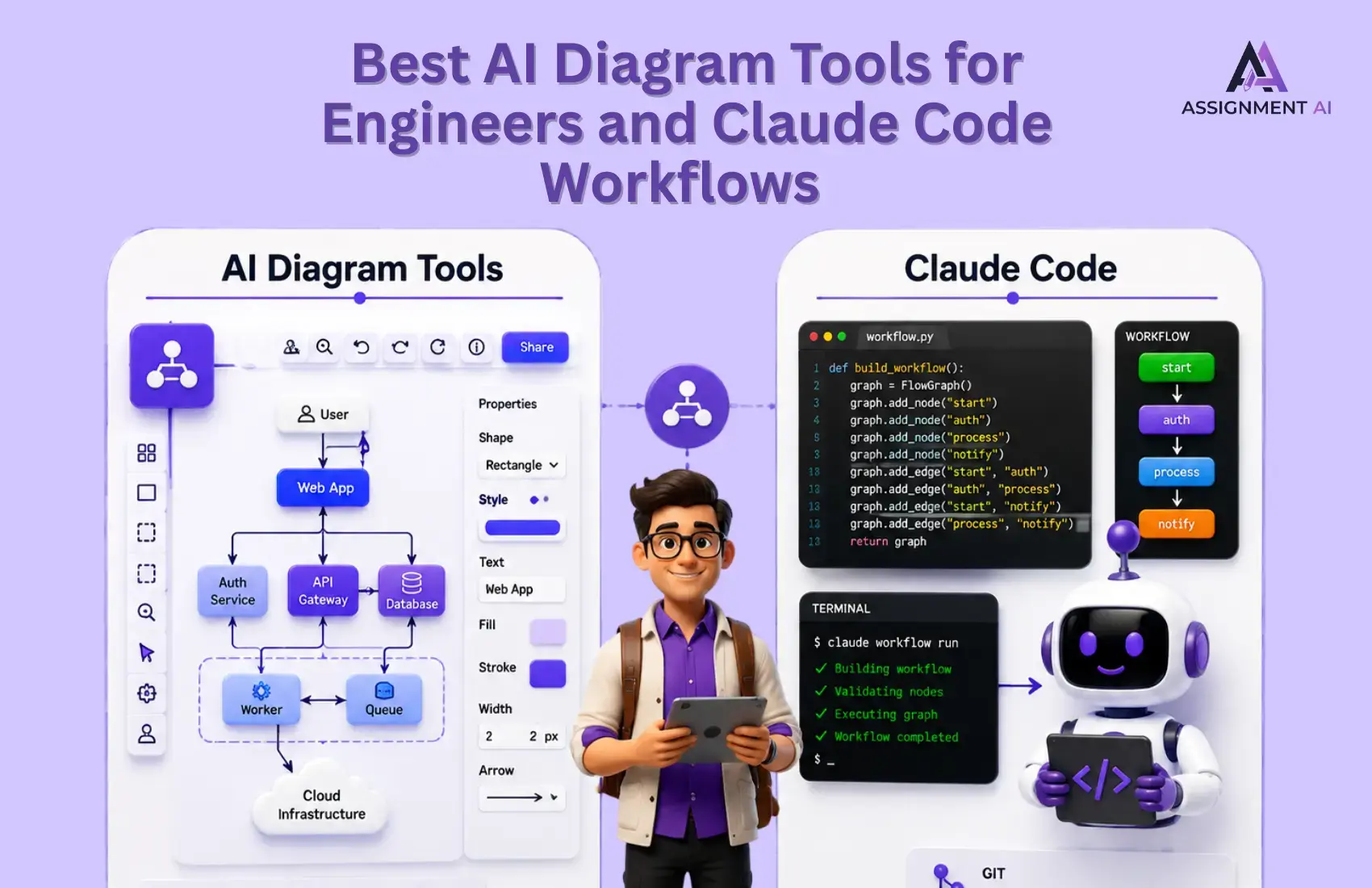
If you've ever spent 45 minutes positioning boxes on a Visio diagram to illustrate something that took you ten seconds to say verbally, you already know why this family of tools has taken off. For anyone exploring alternatives to traditional diagramming software, 2026 has brought significant change. The issue is no longer whether the tool creates an aesthetically pleasing flow chart from a simple prompt.
This guide provides comparisons between the tools currently in use by engineers, paying particular attention to those tools that integrate with Claude Code and other agentic coding environments.
If you only need a visual aid to throw onto a slide deck, there are plenty of contenders out there. For creating diagrams that an AI agent understands and can edit, there's only one list.
What Is an AI-Powered Diagram Tool?
In essence, what these programs do is accept some kind of input - natural language text, code, a list of parts - and produce a structured visual output such as a flowchart, a UML class diagram, a system architecture diagram, an entity-relationship diagram, or maybe even none of the above.
How the Two Main Approaches Differ
Canvas-based output tools create a directly manipulable diagram. You describe your system, and the tool creates nodes and connectors, which are drawn onto the canvas you can move around. Miro AI, Whimsical, Lucidchart, and Excalidraw belong to this class.
The output is immediately very nice-looking, but it is stored in a proprietary format which is not easy to diff, review in a pull request, and reuse in another tool.
Code-based output tools generate textual content - Mermaid syntax, D2 language, or PlantUML markup - that gets rendered into a diagram on processing. This is your diagram.
That is how most engineering workflows in 2026 will settle on this class of output tools. An LLM knows Mermaid syntax natively. The workflow cycle is quick: prompt, render, refine, commit.
Top 5 Tools Engineers Are Actually Using in 2026
AI diagram generators help users transform written descriptions into flowcharts, architecture diagrams, UML diagrams, and other structured visuals. The best option depends on whether you need quick academic diagrams, collaborative documentation, polished presentations, or diagrams that remain connected to your codebase.
1. AssignmentGPT AI Diagram Generator
AssignmentGPT offers a simple, setup-free way to create diagrams from written descriptions. Users can select their preferred diagram type, enter a topic and description, choose a complexity level, and generate a visual within seconds.
It supports flowcharts, class diagrams, sequence diagrams, ER diagrams, state diagrams, and other formats. Its straightforward interface makes it particularly useful for students and beginners who do not want to learn diagramming syntax or configure external integrations. If you are new to diagramming, the best free AI diagram generator for students guide covers where AssignmentGPT fits among available options.
Best for: Assignments, project reports, presentations, quick documentation and beginner-friendly diagram creation
Claude Code compatibility: No native integration; generated diagrams can be downloaded and used separately
Free plan: Yes
2. Eraser and DiagramGPT
Eraser is designed for technical documentation and collaborative engineering work. Its DiagramGPT feature converts natural-language descriptions or code snippets into flowcharts, sequence diagrams, ER diagrams, cloud architecture diagrams and BPMN diagrams.
Generated diagrams use Eraser's diagram-as-code format, allowing users to edit their structure and keep visuals close to the supporting documentation. This makes Eraser suitable for design documents, system specifications and architecture reviews. Engineers who regularly work with different types of architecture diagrams will find Eraser's cloud infrastructure support particularly practical.
Best for: Technical documentation, architecture diagrams, system design and collaborative engineering work
Claude Code compatibility: No verified native integration; API access is available on paid plans
Free plan: Yes, with limited files and AI credits
3. AI Diagram Maker MCP Server
AI Diagram Maker is designed for developers working with MCP-compatible coding assistants. Its MCP server allows tools such as Claude Code and Cursor to generate diagrams from natural language, code, JSON, ASCII structures, images or Mermaid syntax.
It supports flowcharts, sequence diagrams, ER diagrams, UML diagrams and system architecture visuals. Generated diagrams can appear inside supported chat interfaces and may include an editable browser link.
Because this is a relatively new developer tool, teams should review its permissions, data handling and repository activity before using it with sensitive codebases.
Best for: MCP-based development workflows and software engineering diagrams
Claude Code compatibility: Yes, through MCP configuration
Free plan: Check the current API and generation limits before use
4. Mermaid with Claude Code
Mermaid is an open-source, text-based diagramming language. Engineers can ask Claude Code to create or update Mermaid definitions alongside their project documentation.
Because Mermaid diagrams are stored as text, they can be committed to Git, reviewed through pull requests and updated whenever the underlying architecture changes. Mermaid diagrams also render directly in platforms that support Mermaid code blocks, including GitHub. Developers looking to understand the full range of types of UML diagrams supported by Mermaid will find a clear breakdown before choosing a diagram style.
A project instruction file can define preferred naming, layout and diagram conventions, but it is not required to generate Mermaid diagrams.
Best for: Git-native documentation, version-controlled diagrams and long-term maintainability
Claude Code compatibility: Yes; Claude Code can create and edit Mermaid text files directly
Free plan: Completely free and open source
5. Whimsical AI
Whimsical AI generates polished flowcharts, mind maps and sequence diagrams from simple prompts. Its collaborative canvas and clean visual style make it useful when technical concepts must be presented to product managers, clients, students or other non-technical stakeholders.
Unlike text-based tools such as Mermaid, Whimsical focuses more on visual collaboration and presentation quality than Git-based version control. Its AI-generated diagrams remain editable inside the Whimsical workspace.
Best for: Flowcharts, presentations, product processes and cross-functional collaboration
Claude Code compatibility: No verified native Claude Code or MCP integration
Free plan: Yes, with limited AI usage
| Tool | Best For | Agent Compatibility | Free Tier | Output Format |
|---|---|---|---|---|
| AssignmentGPT | Fast, setup-free diagram creation | Export only | Yes | Visual diagrams and exports |
| Eraser | Engineering documentation and technical specs | Partial | Limited | Editable canvas and exports |
| AI Diagram Maker | Agentic coding workflows | Full MCP support | Limited | Editable canvas and D2 |
| Mermaid + Claude Code | Git-native, version-controlled diagrams | Native | Completely free | Text-based diagram code |
| Whimsical | Stakeholder-facing visuals and flowcharts | No native support | Limited | Editable visual canvas |
How to Use These Tools Inside Claude Code
Engineers always face a problem that is similar for all of them: they discover a diagramming application which suits them, they create an excellent diagram for the first time and then do not have any elegant solution for updating their code generator.
The diagram starts becoming obsolete within a week. The solution depends on the type of tool used.
Path 1: MCP Server Setup
AI Diagram Maker offers tools that provide the ability to configure an MCP server which can be used by Claude Code. Once configured, your agent can modify and generate diagrams within any of your tasks.
Show your agent a Spring Boot project and request an ERD, describe a microservice, and the agent will update the architectural diagram. The architecture diagram stays up-to-date, as the agent modifying the code is also modifying the diagram.
The configuration takes roughly ten minutes - installing the MCP server and adding it to your Claude Code configuration.
Path 2: Mermaid via CLAUDE.md (No Setup Required)
If you would rather skip the MCP configuration entirely, this is the fastest path to agent-editable diagrams. Add a section to your CLAUDE.md that tells Claude the diagram types you use and the file naming convention you prefer. From that point forward, ask Claude to document any component and it will produce a .mmd file alongside the code. The file renders natively in GitHub, VS Code with the Mermaid extension, and most modern documentation platforms.
A practical prompt to start with:
"Create a Mermaid sequence diagram showing the authentication flow between the frontend, API gateway, and auth service. Save it as docs/auth-flow.mmd."
The agent writes the file. You review the diff in the same pull request as the code change. No extra tools, no export steps. For a deeper look at how sequence diagrams work in practice, this guide on UML sequence diagram tools covers the format and use cases in detail.
Matching the Tool to the Use Case
- UML class diagrams and sequence diagrams: Mermaid natively, or AssignmentGPT for faster visual output
- System architecture and cloud infrastructure: AI Diagram Maker (MCP) or Eraser for documentation-grade output
- Database ERDs: AI Diagram Maker pointed at the actual codebase, or AssignmentGPT from a schema description
- Flowcharts for stakeholders: Whimsical for presentation quality; AssignmentGPT for speed
- Process flows and user journeys: Whimsical or AssignmentGPT
One thing is always certain - should the diagram be placed in your repository, or should it look good on a presentation slide? The two needs rarely coincide, meaning different tools should be used for each purpose.
How to Choose the Right AI Diagram Tool
If you use Claude Code or Cursor daily and want diagrams that evolve alongside your codebase, start with Mermaid. You can define diagram conventions in CLAUDE.md and keep every diagram version-controlled. For richer canvas-based editing, consider adding AI Diagram Maker through its MCP server.
If your team regularly creates technical documentation that engineers and non-technical stakeholders must understand, Eraser is a practical choice.
If you need multiple diagram types quickly without configuration or diagramming syntax, AssignmentGPT offers a straightforward path from written descriptions to usable visuals. It also pairs well with the best diagram software tools listed for broader comparison across diagramming categories.
For polished diagrams used in presentations, product reviews and stakeholder discussions, Whimsical is the strongest option.
No single platform is ideal for every workflow. Choose a tool based on how your diagrams will be created, maintained, reviewed and shared.
Conclusion
The most significant improvement made in this field during the last year is not in how good the first diagram produced by a tool will be - that goal has been reached already.
What really makes a difference now is that the most advanced tools enable your agent to access the diagram, update it, and keep it as current as the code itself. An outdated diagram is even more harmful than no diagram at all. Start with the tool that fits your current workflow. If you are not using a coding agent, AssignmentGPT's diagram generator gets you from description to visual output in the fewest number of steps.
FAQs
1. What is the best AI diagram tool for engineers in 2026?

2. Can Claude Code generate diagrams automatically?
3. What is the easiest AI diagram generator for beginners?
4. Does AssignmentGPT support ER diagrams and flowcharts?
5. What is the difference between canvas-based and code-based diagram tools?
6. Which AI diagram tool works with Claude Code through MCP?
7. Is Mermaid completely free to use?
8. What is Whimsical AI best used for?
9. Can I use an AI diagram tool without writing any code?
10. How do I keep architecture diagrams updated when code changes?
Digital Marketer | SEO
I’m Dipak Dangodara, the SEO Expert at AssignmentGPT AI. I manage and optimize the website’s search engine presence with a strong focus on organic growth, visibility, and performance. My work includes technical SEO, keyword research, on-page and off-page optimization, and tracking SEO performance to align with search engine best practices.
At AssignmentGPT AI, my goal is to build sustainable rankings, improve traffic quality, and ensure the platform delivers long-term value through effective SEO strategies.
Master AI with
AssignmentGPT!
Get exclusive access to insider AI stories, tips and tricks. Sign up to the newsletter and be in the know!

Transform Your Studies with the Power of AssignmentGPT
Empower your academic pursuits with tools to enhance your learning speed and optimize your productivity, enabling you to excel in your studies with greater ease.
Start Your Free Trial ➤Related Articles

Free vs Paid AI Homework Tools for Students in 2026
Compare free and paid AI homework tools in 2026 to find the best option for saving time, money, and improving study support.

10 AI Tools Every College Student Should Use in 2026
Discover 10 powerful AI tools every college student should use in 2026 to study smarter, save time, boost productivity, improve learning, & achieve better grades.
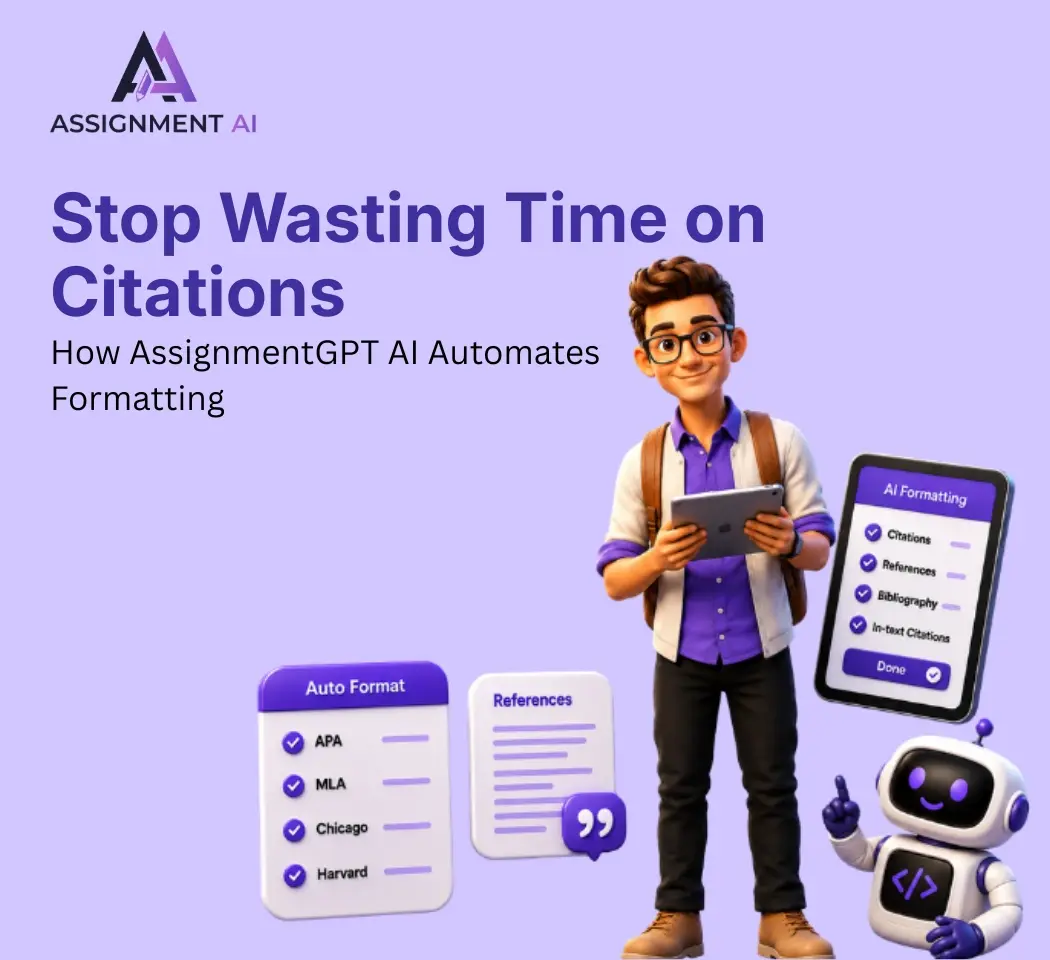
AssignmentGPT AI Citation Generator: Format Citations Fast
Create accurate APA, MLA, Chicago, and Harvard citations instantly with AssignmentGPT AI's free AI citation generator.
Is Turnitin's AI Detector Disabled in 2026? Full Guide
Turnitin's AI detector isn't gone, but Waterloo, Curtin, Yale and others have disabled it. Here's why, and what it means.

AI Homework Helpers: How They Are Changing Study Habits
AI homework helpers explain concepts step by step, helping students learn faster, study smarter, and build lasting confidence.

Best Flowchart Software Tools for Students and Developers
Compare the best flowchart tools for students, developers & engineers to create clear diagrams fast.
Start your success story with Assignment GPT! 🌟 Let's soar! 🚀
Step into the future of writing with our AI-powered platform. Start your free trial today and revolutionize your productivity, saving over 20 hours weekly.
Try For FREE ➤