
AssignmentGPT Blogs

Best Flowchart Software Tools for Students and Developers

Get an AI summary of this post on:





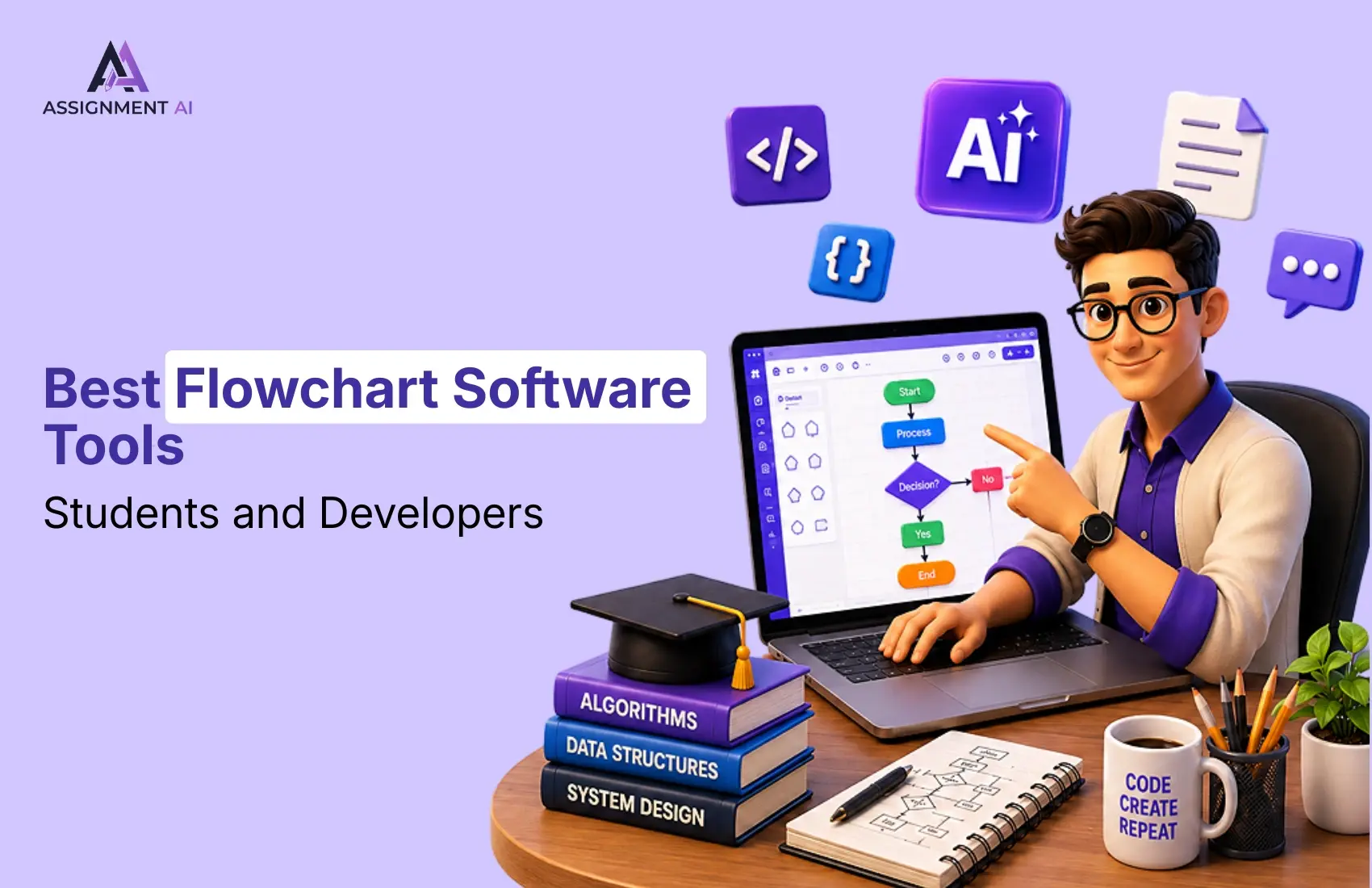
A programmer or any software professional having face difficulties about flowchart and ER-diagrams. Nowadays, many AI tools are present, but do not provide the best step-by-step instructions to describe the Flowchart symbol in easy steps. Flowchart tools are an important concept for solving complex problems.
Flowcharts are used to describe the control flow of programming. Several flow diagrams are also essential to learn. By using that flowchart symbol, programming concepts should be easier, and could also solve more complex problems.
In this blog, I’ll discuss the best flowchart Software tools, which are also useful to students and Developers.
Why Students & Developers Need These Tools
When you are solving a complex problem, you’ll need to use some easier diagrams as well as shapes, connectors, and some text. Without a clean visual representation, this may confuse you when working in a team.
Many of the AI tools are available to describe problem statement into flowcharts, but AssignmentGPT will provide you with the best Flowchart maker, which also helps to design in simpler steps.
For developers, Flowchart tools for programming are useful for planning code structure, database flow, user journey, app feature also debugging logic before writing actual code.
It also saves time for better accuracy, reduces confusion, and improves communication with team members.
Best Flowchart Software by User Type
I’ll explain the best use case for every profession that can use flowchart software and help to solve complex problems by using connectors, shapes, and text.
For Beginners
Beginners can choose free flowchart software, which could be simple, clean, and easy to use. A good flowchart maker should provide drag-and-drop shapes, and some customizable templates with basic editing options. It helps new users to create process charts, study diagrams amd simple workflows without learning complex design tools.
For Students & Developers
Flowchart tools for students are also useful for assignments, algorithms, and project planning, which also explains difficult concepts visually. Students can use flowchart software, which can be performed in a step-by-step manner for various subjects like computer science, business, and engineering.
Flowcharts can be helpful to developers in the planning of code structure, application workflows, database flows, and some debugging logic before starting to code. These are programming flowchart tools that will make development quicker and less confusing in complex topics.
For Professionals
Many of professional needs advanced diagramming software, which is also useful for team collaboration, business processes, system architecture, and project documentation. The best flowchart maker for professionals should be used to support real-time editing, export options, integrations, and advanced diagram templates. Engineers can also use diagramming tools for engineer which create technical workflows, system diagrams, and process maps with better accuracy.
Free Flowchart Tools to create diagrams easily
Various Free flowchart software tools that help to create diagrams for basic and Simple coding problems. This may be a great option for students, beginners, and developers who want to create a clear diagram without spending money. Flowchart maker tools help you turn ideas, processes, and programming logic into simple visual steps.
Without free flowchart software, students can create assignment diagrams, algorithm flowcharts, project workflows, and study notes in a better format. It makes complex topics easier to understand and explain.
Developers can use flowchart tools to plan app features, database flow, user journeys, and code logic before starting development. It helps reduce errors and saves time during programming.
A Good free flowchart software is helpful when you need simple diagramming software for learning, planning, and explaining ideas visually.
Top Flowchart Software Tools You Should Know
Flowchart software helps students and developers which explain ideas in a simple visual way. These tools are useful for creating diagrams, planning code logic, understanding algorithms, and showing project workflows clearly.
1.AssignmentGPT AI
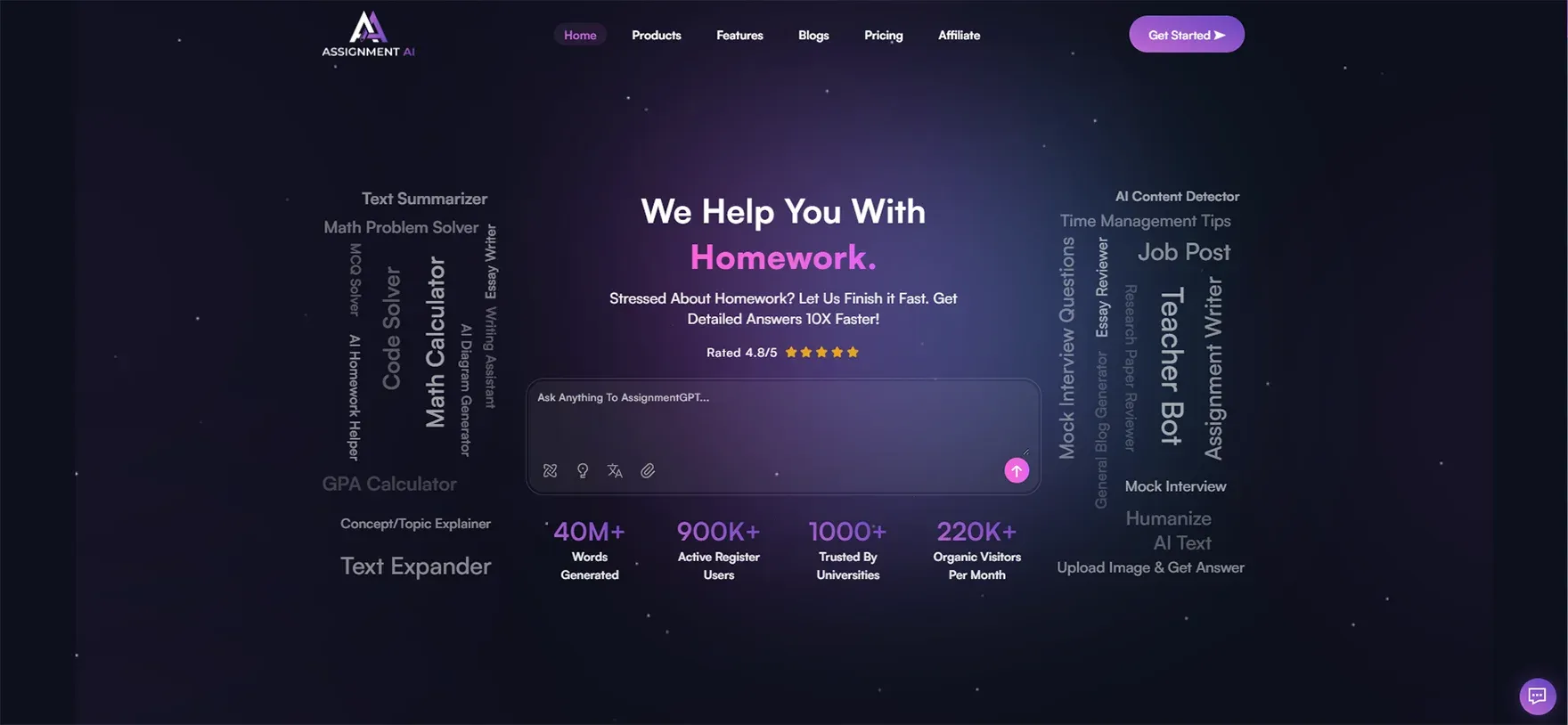
AssignmentGPT AI is the best tool for students, as well as beginner coding professionals. This tool provides easy-to-understand diagrams by using connectors, text, and shapes. Students may use it for assignments and descriptions of projects, whereas developers can use it for planning their program logic.
It becomes handy when you need to make your diagrams quickly without drawing them manually
Pros:
- Easy to use
- free, supports flowcharts
- UML diagrams
- database diagrams.
Cons:
The design options are basic compared to advanced tools.
Best Use Case:
Best for students and developers who want to create quick flowcharts, programming diagrams, and project workflows using AI.
2. Lucidchart
 Lucidchart is one of the most commonly used software programs that creates flowcharts among students, developers, and organizations. It provides users with templates, drag-and-drop shapes, and sharing options.
It is suitable for students when doing group work, and for developers when designing systems.
Pros:
- Easy to design good templates
- Must be a clean Interface
- Useful collaboration features
Cons:
Some advanced features are available only in paid plans.
Best Use Case:
Best for group projects, technical diagrams, and team workflows.
3. Miro
 Miro is a type of visual workspace which helps create flowcharts, also helps to mind maps, and workflows. It is useful for developers who want to plan app features, user flows, and project Ideas.
Pros:
Great for brainstorming, user flows, and team planning.
Cons:
It may feel confusing for beginners at first.
Best Use Case:
Best for developers, product teams, and professionals planning app workflows.
4. Canva

Canva is used to design the Flowchart symbol for solving complex programming problems. This tool provides some ready-made templates that help to design and create clean diagrams effectively.
Pros:
Easy templates, beginner-friendly, and visually attractive.
Cons:
Not ideal for complex technical diagrams.
Best Use Case:
Best for students who want simple and creative flowcharts.
How to Choose the Right Flowchart Tool
By choosing the right flowchart software tools that depend on your purpose, skill level, and project needs. Not all flowchart software is made for the same type of users; you should first understand what you want to create.
If you’re a beginner or student, choose the free flowchart software with simple templates, drag-and-drop shapes, and easy export options. It will help you create diagrams for assignments, algorithms, and project explanations without confusion.
For team projects, whenever choosing diagramming software, consider one that offers shared options and cloud access. It makes it easier to work with classmates, developers, or team members.
Conclusion
From the above discussion, it has been clearly observed that you should use Effective tools for flowchart Diagrams to solve complex programming languages. As a content writer, I reviewed many AI tools. I suggest you use the AssignmentGPT Flow chart tool, which will help you design and plan code execution by using shapes, connectors, and some text. rather than, many AI tools are present who helped design the planning of code till execution of the programming problem.
FAQs
1. What is flowchart software and why do students need it?

2. Which is the best free flowchart software for beginners?
3. Can developers use flowchart tools for planning code logic?
4. What is the difference between flowchart software and diagramming software?
5. Is Lucidchart good for group projects and team collaboration?
6. Which flowchart tools are best for engineering students?
7. What features should I look for in a good flowchart maker?
8. Can I create flowcharts for free without downloading any software?
9. How do flowchart tools help with debugging code?
10. Is Canva a good option for making flowcharts for assignments?
Digital Marketer | SEO
I’m Dipak Dangodara, the SEO Expert at AssignmentGPT AI. I manage and optimize the website’s search engine presence with a strong focus on organic growth, visibility, and performance. My work includes technical SEO, keyword research, on-page and off-page optimization, and tracking SEO performance to align with search engine best practices.
At AssignmentGPT AI, my goal is to build sustainable rankings, improve traffic quality, and ensure the platform delivers long-term value through effective SEO strategies.
Master AI with
AssignmentGPT!
Get exclusive access to insider AI stories, tips and tricks. Sign up to the newsletter and be in the know!
Transform Your Studies with the Power of AssignmentGPT
Empower your academic pursuits with tools to enhance your learning speed and optimize your productivity, enabling you to excel in your studies with greater ease.
Start Your Free Trial ➤Related Articles

Free vs Paid AI Homework Tools for Students in 2026
Compare free and paid AI homework tools in 2026 to find the best option for saving time, money, and improving study support.

10 AI Tools Every College Student Should Use in 2026
Discover 10 powerful AI tools every college student should use in 2026 to study smarter, save time, boost productivity, improve learning, & achieve better grades.
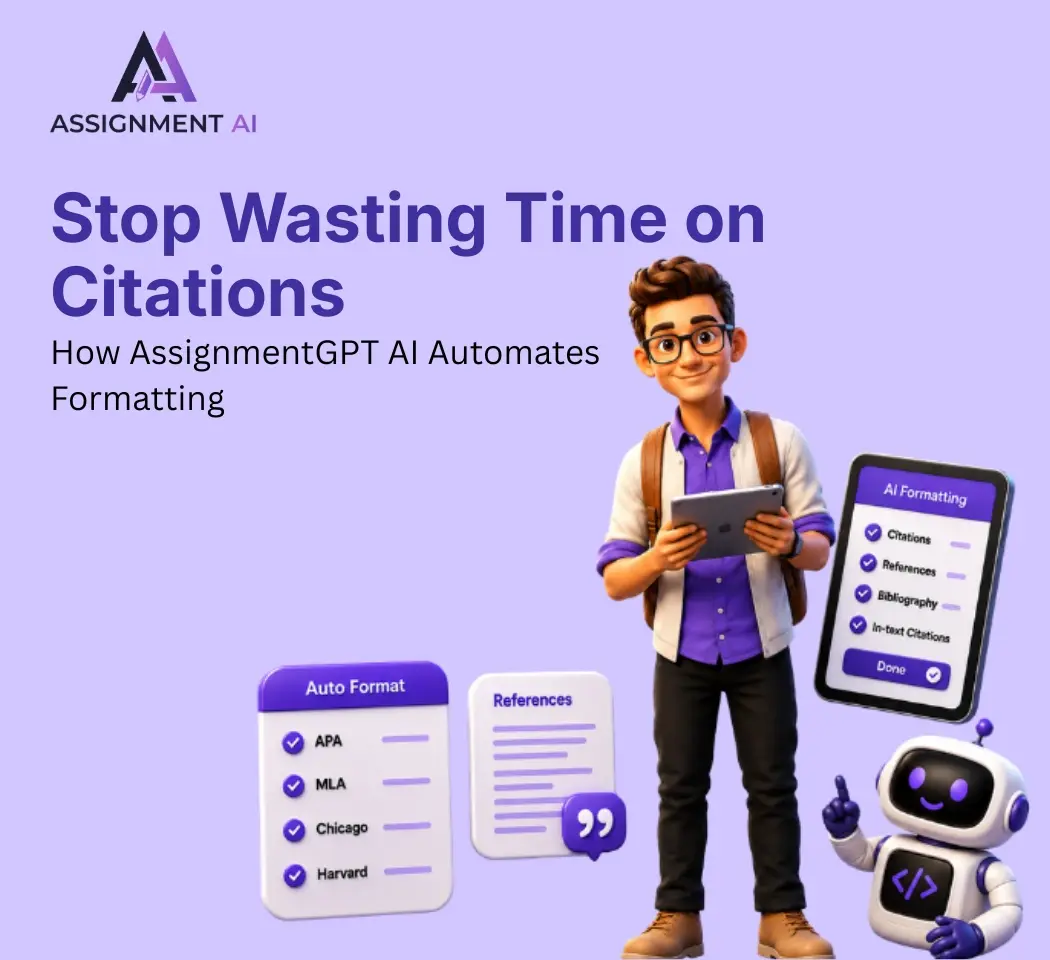
AssignmentGPT AI Citation Generator: Format Citations Fast
Create accurate APA, MLA, Chicago, and Harvard citations instantly with AssignmentGPT AI's free AI citation generator.
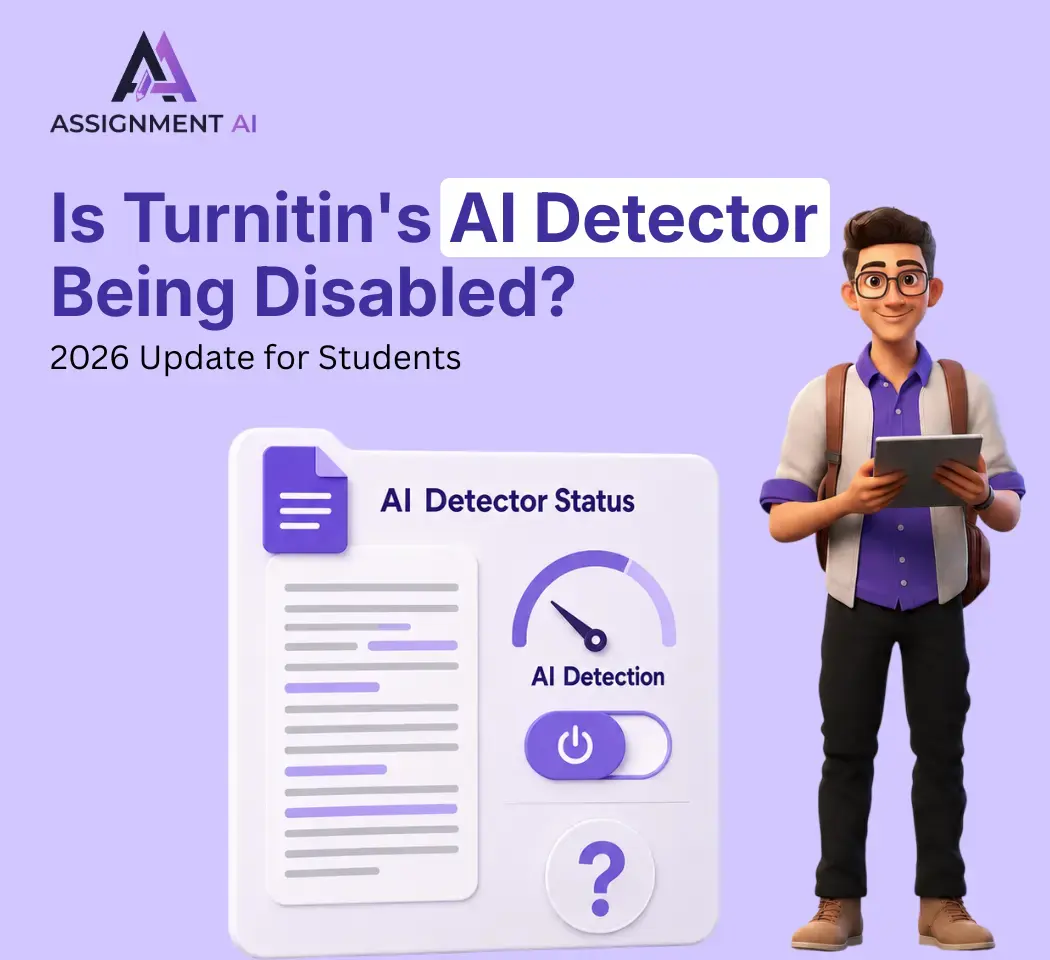
Is Turnitin's AI Detector Disabled in 2026? Full Guide
Turnitin's AI detector isn't gone, but Waterloo, Curtin, Yale and others have disabled it. Here's why, and what it means.

AI Homework Helpers: How They Are Changing Study Habits
AI homework helpers explain concepts step by step, helping students learn faster, study smarter, and build lasting confidence.
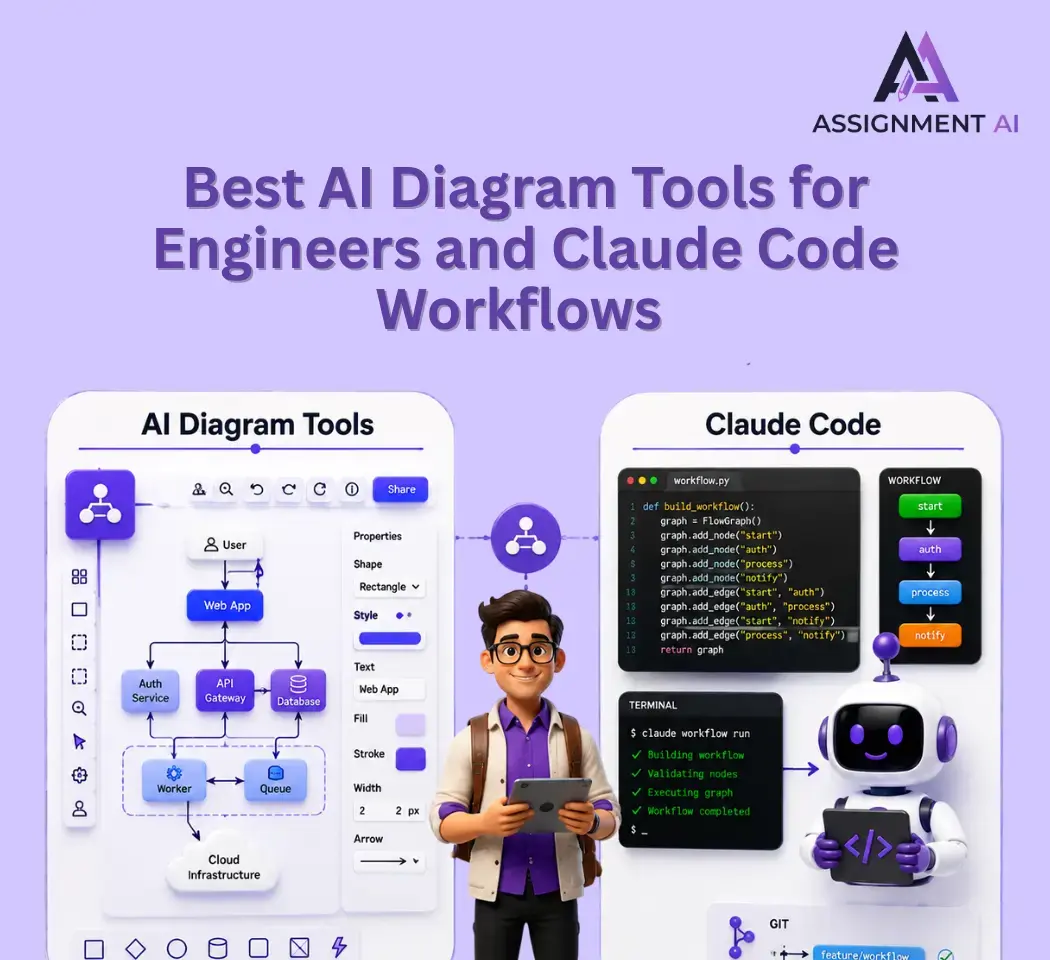
Best AI Diagram Tools for Engineers and Claude Code (2026)
Compare the best AI diagram tools for Claude Code workflows, engineering teams, and students in 2026.
Start your success story with Assignment GPT! 🌟 Let's soar! 🚀
Step into the future of writing with our AI-powered platform. Start your free trial today and revolutionize your productivity, saving over 20 hours weekly.
Try For FREE ➤