
AssignmentGPT Blogs

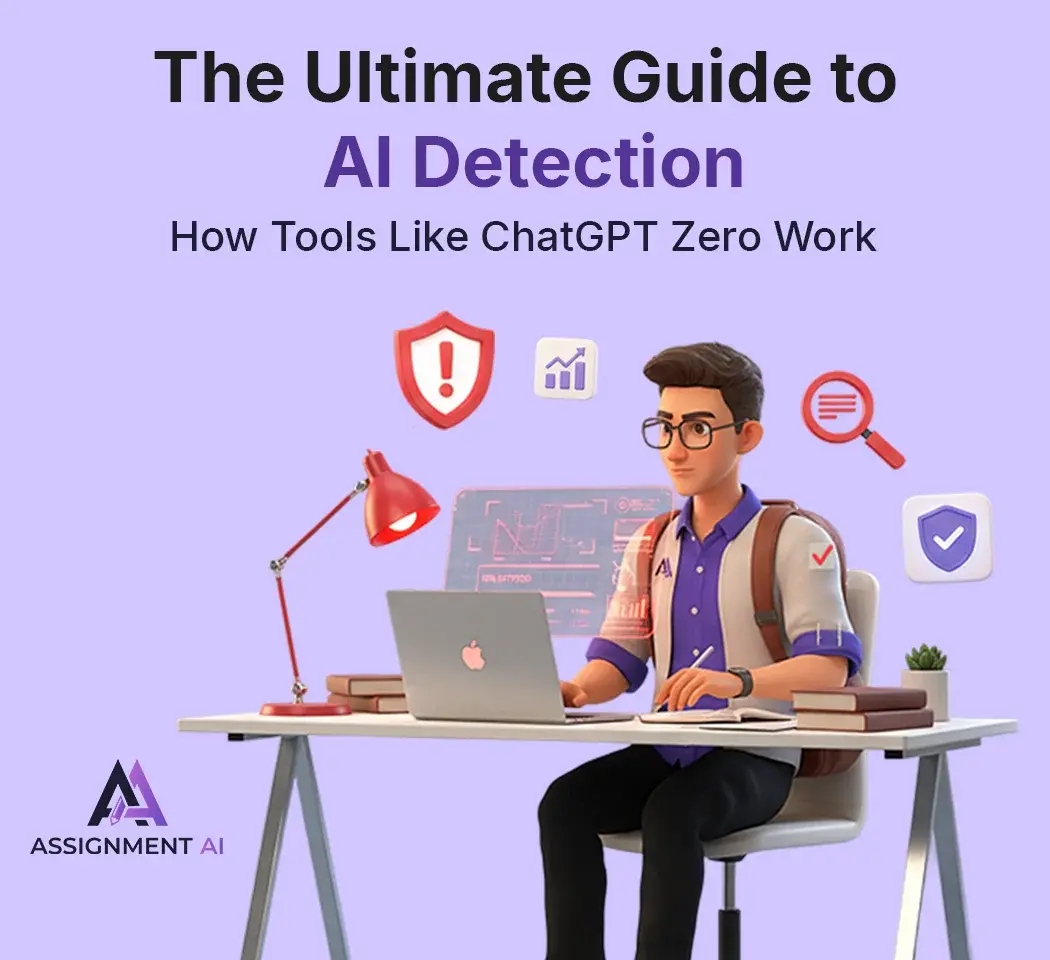
The Ultimate Guide to AI Detection: How Tools Like ChatGPT Zero Work

Get an AI summary of this post on:





Artificial Intelligence has changed how you can write content. A form student can write an essay that can craft a new format for a blog and business proposal. Nowadays, ChatGPT, Gemini, and Claude have made the best companions. But is this convergence unique or not?
When content is written by AI tools, then it must be detected by Aan I detection tool, such as Copyleaks, Originality.ai, and ZeroGPT. AI-written content produced so much repetitive amount of word which shows a dull quality that can impact business requirements.
In this blog, I’ll understand how content can be easily detected, and we understand how tools perform with the best efficiency with zero results.
What is AI-Generated Content?
AI-generated content includes text, images, and other media that have been organised by Artificial Intelligence rather than to create human. When we talk about AI text, the first thing that comes to mind is text used by large language models like ChatGPT, GPT-4, Gemini, orClaudee.
Now, AI tools give results with maximum speed and efficiency, but it is still recognizable due to certain characteristics. The output could be machine-like, devoid of human feelings, or simply conforming to the habits that the trained algorithms are capable of detecting.
Understanding AI Text Generated
Now I am going to relate an AI tool to text where you can make a big difference. Which one provides you with better efficiency for business requirements?
How AI Generates Text
AI text generators are utilizing advanced machine learning technology that has been developed over a long period of time and involves huge amounts of data collected from various written sources like books, websites, and articles.
The whole of this is done by the use of neural networks that are similar to the human brain in the manner that the information is processed through layers, with each layer contributing to the final text being natural and coherent.
Detecting Patterns in AI Content
The tools for AI-text detection identify the text generated by a machine through the examination of unique patterns and features. The two most significant elements that these tools consider are :
Perplexity: Machine-generated text usually choose for more frequent and typical word pairings, thus reducing its novelty or "perplexity" when compared with human authorship. On the other hand, human authors naturally take more diverse and unexpected routes in their expressions.
Burstiness: That is a human writing style, and it is quite different from the AI writing style. Humans write in a natural rhythm, i.e., using short and punchy sentences along with longer and complex ones. AI, on the other hand, frequently provides more consistent sentence structures and, hence, the text produced feels dull.
Detection software, such as GPTZero and ZeroGPT, utilizes complex algorithms that look at the patterns in several different ways. The detection tools evaluate word frequency, sentence format, paragraph arrangement, and the overall flow of the text in order to ascertain how probable it is that AI was the one who wrote the content.
Differences Between AI and Human Text
Several major factors that can help to understand separate AI writing from human content:
Emotional authenticity: Writers give their creations a human touch through their lives, feelings, and personal views. AI still doesn't have the capacity to feel and thus creates texts that are often cold or very common.
Creative unpredictability: Humans are never predictable and can surprise their readers with a word choice, an analogy, or an idea. Conversely, AI often sticks to clear patterns and standard phrases.
Contextual depth: AI may take information but not fully grasp the intricate social, cultural, or emotional contextsase humans do. This shortcoming is, however, noticeable throughout the text produced by AI in rather subtle manners.
Quality of writing is not the same for humans and AI: AI keeps the same level of quality throughout the text; on the other hand, human writing fluctuates with some moments of genius accompanied by others of clumsiness.
Personal voice: Every person who writes has a distinctive voice that has been formed by their background and character, as well as their life. AI-written material is generally devoid of this particular human touch.
Free Online Tools of AI Humanize
Now, I am going to discuss various free online AI tools that help you to humanize and describe you to step-by-step how can you use these tools with effective manner
What Is an AI to Human Text Converter?
An AI to human text converter is a tool that rewrites the text generated by AI to make it sound like it was written by a human, i.e., natural, and fluent. The tool applies very sophisticated algorithms to change an AI text into a human one by adjusting its tone, flow, and choice of words while maintaining the original meaning.
Frequently referred to as humanizer AI text or AI text humanizers, these tools are very commonly used to convert AI content into human texts for blogs, academics, and professional writing.
Popular Free Text Humanizer Tools
Now, I am going to discuss various free online AI tools that help you to humanize as well as write content. Let’s understand briefly.
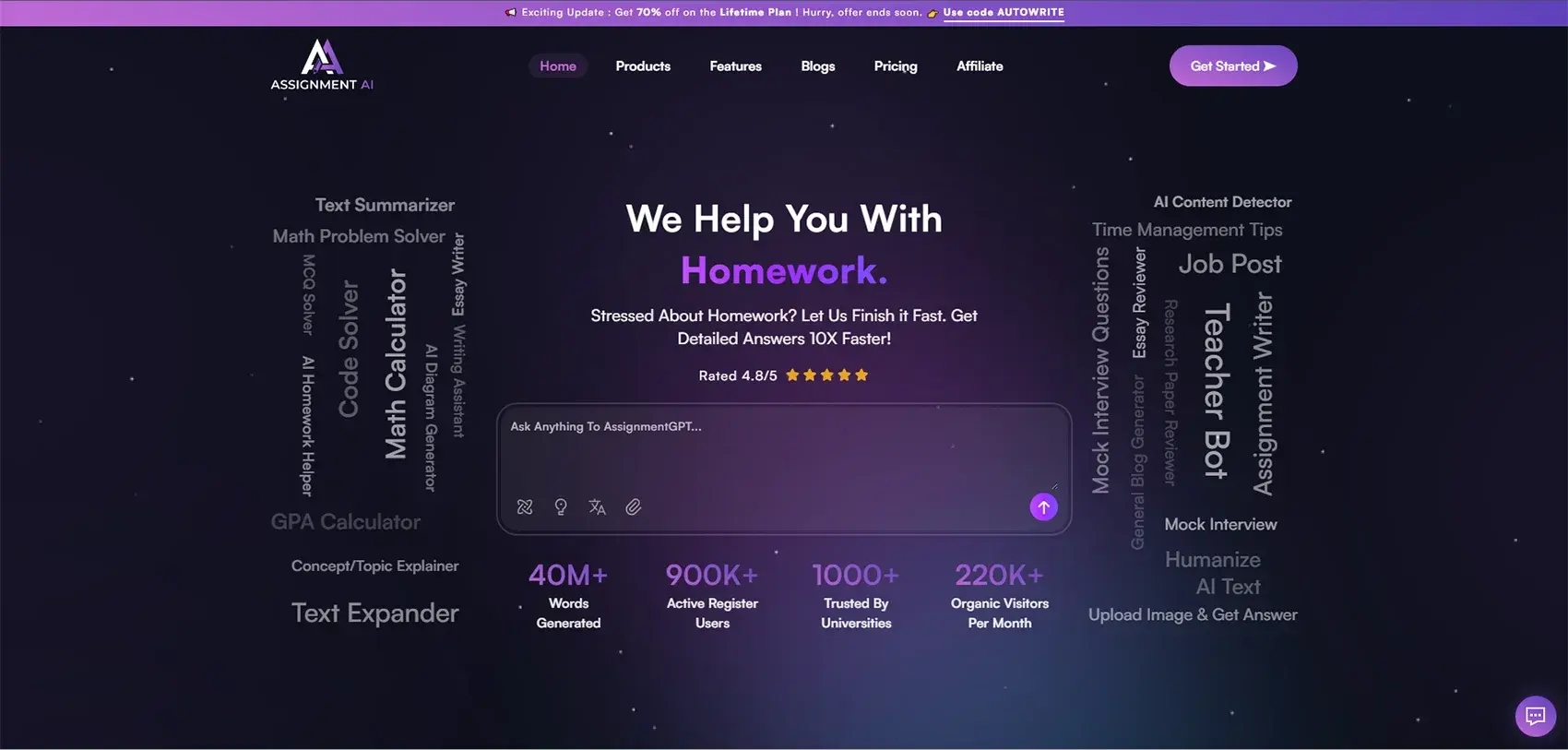
1. AssignmentGPT
An absolutely free AI-to-human text converter allows you to turn AI-generated content created by tools like ChatGPT and Gemini, etc., into smooth, natural, and human-like writing.
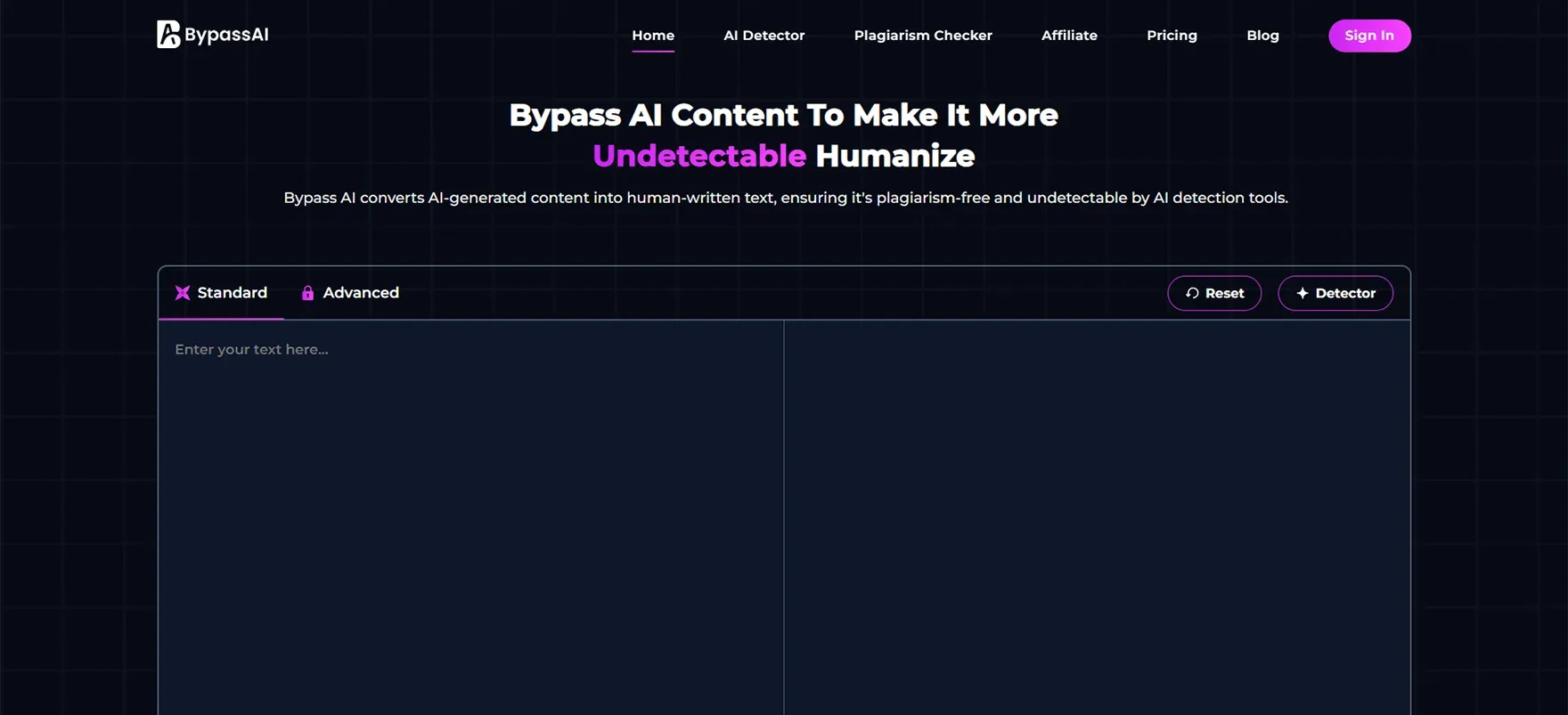
2. Bypass AI
It is best known for humanization and generating content. By using the latest AI model like as GPT-5 and more, you will get content in an effective manner.
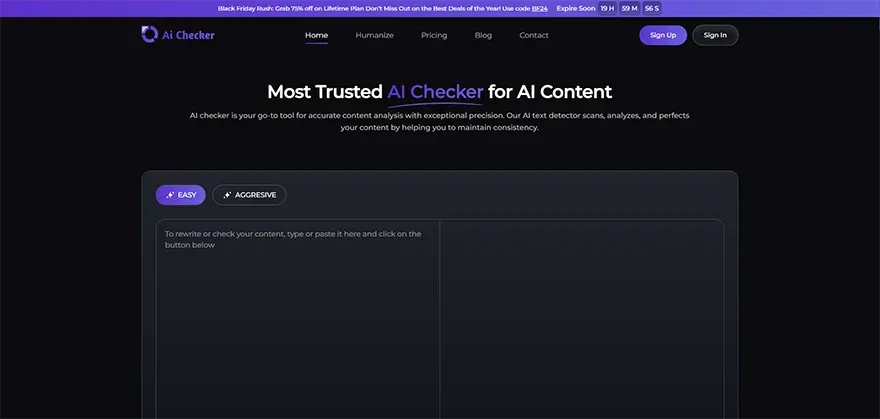
3. AI Checker
AI Checkers or stealth writers, which are tools marketed as such, process the AI text to sound more human and also assess the probability of its flags by the detectors such as GPTZero, Turnitin, Copyleaks, and others.
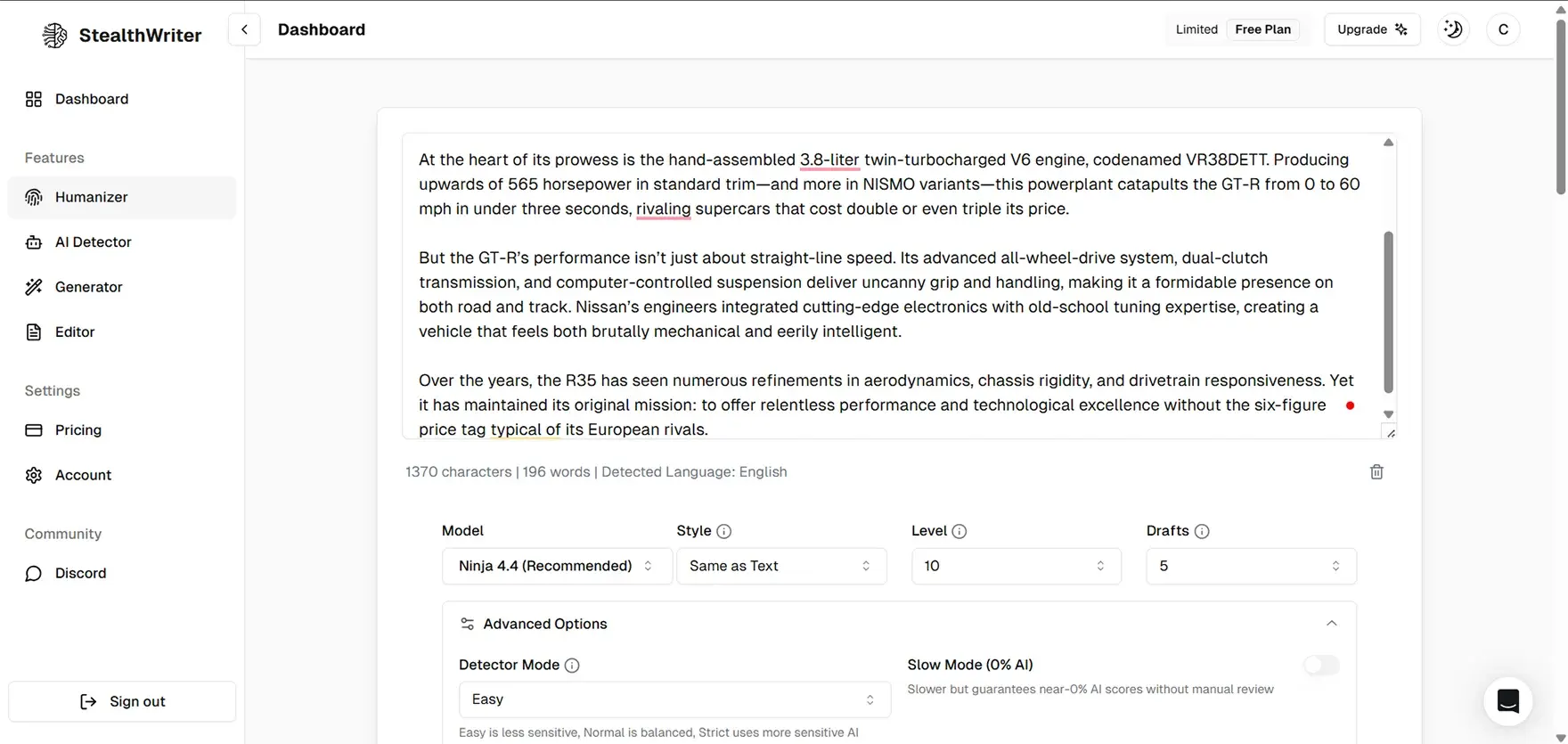
4. Stealthwriter
An awesome, free tool that exactly does all that: scans and rewrites AI drafts into unrecognizable, real content tailored to beat the big AI detectors.
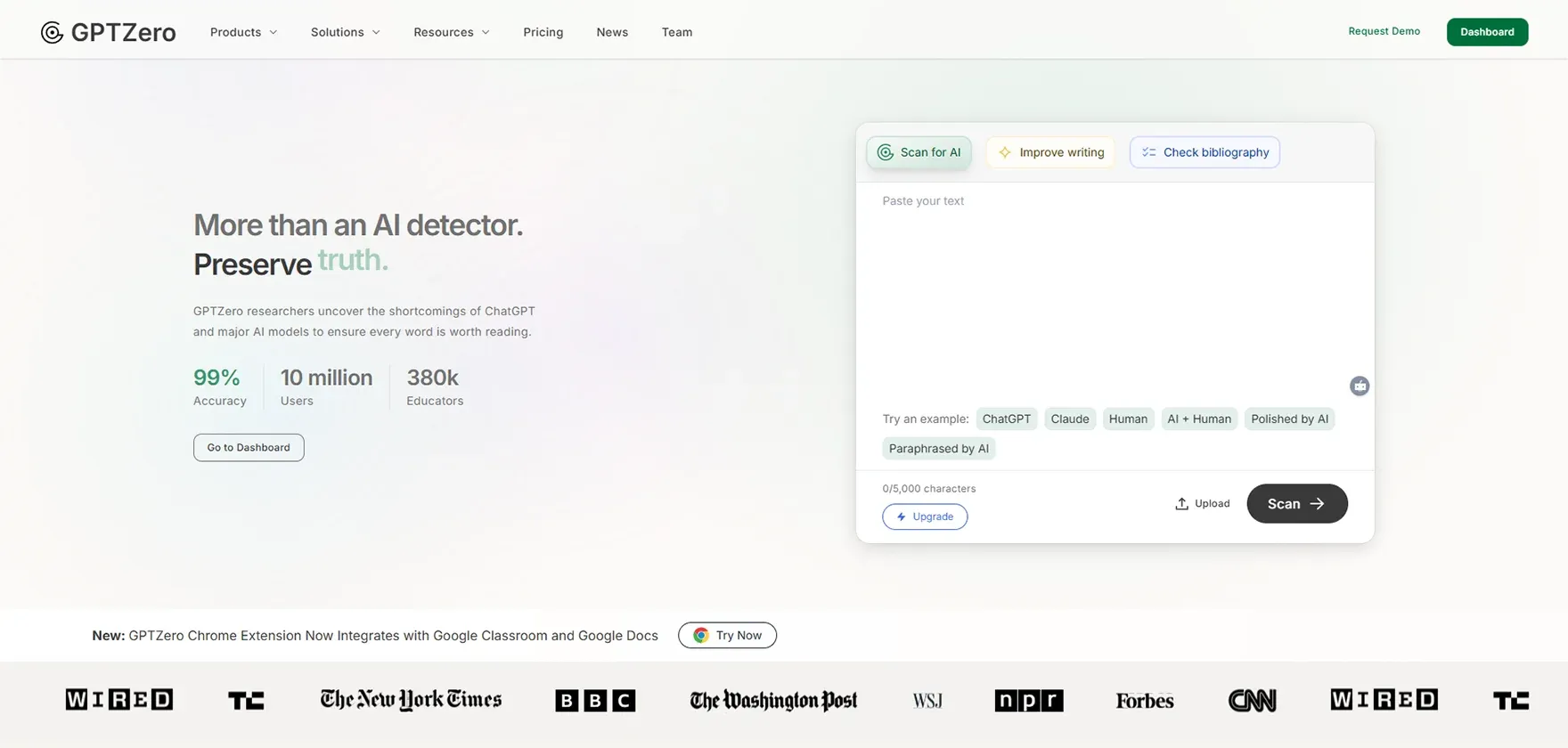
5. GPTZero
An AI detection tool that is commonly used and that inspects text to discover indicators of AI production (such as ChatGPT, Gemini, Claude) and also aids writers in comprehending the areas of their content that could be identified.
How to Use AI Humanize Tools Effectively
Now, I will discuss step-by-step instructions that will help you to understand more clearer also provide yu to better content for writing academic as well as business purpose
Step 1: Produce or collect your AI content - Start with text produced by ChatGPT, Gemini, Claude, or any other AI writing tool that you are utilizing.
Step 2: Go to a humanizer site - Go to the website of the tool you picked, for instance, assignmentgpt, bypassai, or aichecker.
Step 3: Insert your content - Take the text generated by AI and put it in the input box of the tool. The majority of the tools let you insert up to 10,000 characters or even more.
Step 4: Choose your mode - Based on your needs, pick the right humanization mode: Standard for general use, Shorten to make it concise, Expand for more details, or Simplify for easier understanding.
Step 5: Verification completed - Some tools ask you to do a simple captcha to confirm that you are a human being.
Step 6: Hit humanize - Click on the "Humanize," "Convert," or button with a similar label to initiate the transformation procedure.
Step 7: Output scrutiny - Carefully look at the humanized text. The tool will enhance the natural flow while preserving your original meaning.
Step 8: Polish if required - If the output is not quite right, repeat the humanization process or edit certain parts to make them sound more like your voice.
Step 9: AI detector check - Optionally, confirm the humanized content with an AI detection tool to make sure it passes.
Step 10: Content ready for use - When you are sure about it, copy the humanized text and use it for your purpose.
Text Humanizer Techniques and Use Cases
Some of the best use cases and modern techniques that are being used for humanizing content for effective writing :
Manual vs. Automated Humanizing
Both manual and automated approaches have their place in humanizing AI text:
Manual humanizing: One that requires you to manually review and rewrite AI content. This approach allows you to have total control over the tone, style, and voice of the content. Adding personal stories is possible, changing word choices also to fit your brand, and making sure the content really represents your point of view are all possible. Nevertheless, manual editing really takes a lot of time, and writing skills are a must.
Automated humanizing: AI text changeover is done straight away with the use of AI-powered tools. The tools identify the patterns in the text and accordingly revise it to be more human-like. The whole operation is speedy and virtually involves no effort at all, which is why it is perfect for huge amounts of content. The downside of this is that there is no personal adaptation, and sometimes the text might need to go through a manual polishing process.
Applications in Writing, Marketing, and Academics
Let’s understand what are the application can be used for detection and humanizing content, where every professional should know form basic that help to understand effectively.
Academic Writing and Plagiarism Prevention
In the educational contexts, AI text-to-human text conversion has sources that are good and valid:
Research assistance: Students apply AI for info gathering and to get a good grasp on the tough topics, then they humanize and mix up the content in a way they can show that they understand it.
Draft refining: AI gives a hand in making the first outlines or initial drafts. Humanization tools come to assist the students in moving those drafts to the point of being real creations that show their personal voice and critical thinking.
Language support: Non-native speakers of English rely on AI for language help and then humanize the content to make it sound natural while still being in line with their individual viewpoint.
Citation and attribution: If AI is used for research and brainstorming it can provide very useful help, but it needs to be properly cited. The humanization process will ensure that the final work is a true representation of the student's own understanding and analysis.
Important note: It is a must for students to be aware of their institution's policies concerning the use of AI and to practice academic integrity by attributing AI support when necessary.
Marketing and Content Creation
Marketing professionals use the humanization technique for different reasons:
Blog content: Initially, marketers get drafts through AI to save time, and then they humanize them to guarantee the content will appeal to the intended audiences and also portray the brand personality.
Social media posts: AI is instrumental in the creation of holding a constant posting schedule. Humanization brings in the authentic voice and the emotional bond, which in turn, keeps the engagement going.
Email campaigns: AI prepares email templates in seconds, while humanization makes sure that communication is personalized and that real bonds with subscribers are created.
Product descriptions: Online retailers rely on AI for rough drafts and then humanize them for persuasive and conversion-centered copy.
Ad copy: AI makes many different variations for A/B testing. Humanization works on these versions to make sure they are resonating with potential customers on an emotional level.
Professional Communication
Business professionals are adopting humanization to facilitate clear communication:
Business emails: Artificial intelligence speedily drafts professional correspondence. Humanization gives assurance that the messages are warm and very personal rather than cold and robotic.
Reports and proposals: The preliminary research and structure are done by AI. Humanization puts a professional touch on and also makes sure the content is your company’s voice.
Presentations: AI makes the content for slides and speaker notes. Humanization produces these materials as more entertaining and unforgettable for the audience.
Client communications: Experts employ AI to prepare updates and answers and then humanize them to keep strong client relationships through genuine communication.
Internal memos: AI performs communication tasks faster than usual. Humanization still makes sure the messages are clear, friendly, and suitable for the particular workplace culture.
Challenges in Humanizing AI Text
Even though AI detection tools are quite helpful, their accuracy is not guaranteed all the time. At times, they may incorrectly classify the content written by humans as generated by AI or miss out on sophisticated AI-written text.
5.1 Limitations of Free AI Humanizer Tools
Usually, free AI humanizer tools come with restricted functionalities, a limit on the number of words, and a lower level of rewriting quality. They sometimes do not completely erase AI patterns or do not improve the tone. In certain situations, the generated output can be perceived as non-human or boring, which will subsequently need manual editing for better outcomes.
5.2 Future of AI to Human Text Technology
It's not hard to see that the future of the AI to human text technology is bright, considering the continuous development of tools in their precision and comprehension of languages. Next-generation systems are likely to create more human-like, contextually informed pieces and even mimic the writing styles of a particular individual. Besides these, continual technical enhancements may also lead to the introduction of such tools as being more trustworthy, ethical, and user-friendly.
Conclusion
While developing AI detection tools, the suggestions and methods described here will assist you in creating effective and high-quality content from the very basic text. Many AI detectors and humanizing tools keep the text strong but lose the aspect of originality and professionalism.
If you want to produce content that is very much human-like and professional-like at the same time, our AssignmentGPT tool is at your service to help you with it- just a few clicks away.
It is not simply rephrasing your text, but it is a process of transforming it into a polished piece of content that is ready for real-world use.
FAQs
1. What is an AI to human text converter?

2. How can I humanize AI text for free online?
3. What's the difference between AI text and human text?
4. Which is the best free AI text humanizer tool?
5. Can AI detection tools identify humanized AI content?
6. How do I use a humanizer AI text tool effectively?
7. What are the limitations of free AI humanizer tools?
Marketing Executive at @AssignmentGPT
I lead strategic campaigns, blending creativity with analytics to drive brand growth and engagement across digital platforms.
Master AI with
AssignmentGPT!
Get exclusive access to insider AI stories, tips and tricks. Sign up to the newsletter and be in the know!

Transform Your Studies with the Power of AssignmentGPT
Empower your academic pursuits with tools to enhance your learning speed and optimize your productivity, enabling you to excel in your studies with greater ease.
Start Your Free Trial ➤Related Articles
Free vs Paid AI Homework Tools for Students in 2026
Compare free and paid AI homework tools in 2026 to find the best option for saving time, money, and improving study support.

10 AI Tools Every College Student Should Use in 2026
Discover 10 powerful AI tools every college student should use in 2026 to study smarter, save time, boost productivity, improve learning, & achieve better grades.
AssignmentGPT AI Citation Generator: Format Citations Fast
Create accurate APA, MLA, Chicago, and Harvard citations instantly with AssignmentGPT AI's free AI citation generator.
Is Turnitin's AI Detector Disabled in 2026? Full Guide
Turnitin's AI detector isn't gone, but Waterloo, Curtin, Yale and others have disabled it. Here's why, and what it means.
AI Homework Helpers: How They Are Changing Study Habits
AI homework helpers explain concepts step by step, helping students learn faster, study smarter, and build lasting confidence.

Best Flowchart Software Tools for Students and Developers
Compare the best flowchart tools for students, developers & engineers to create clear diagrams fast.
Start your success story with Assignment GPT! 🌟 Let's soar! 🚀
Step into the future of writing with our AI-powered platform. Start your free trial today and revolutionize your productivity, saving over 20 hours weekly.
Try For FREE ➤